Saudi expertise. Business technology. Since 2016.Customer support
Trading & distribution

Keep sales, stock and purchasing working from the same numbers.

Create visibility across quotations, procurement, stock availability, delivery and collection.

Wholesalers, distributors and trading businesses.

Tall warehouse racks with organized cartons and a clear central distribution aisle
  • Reliable stock visibility
  • Coordinated purchasing
  • Order-to-cash follow-up
The connected workflow

Follow the work, step by step.

Choose a stage to see what starts it, what happens and what moves to the next step.

Stage 01 / 05

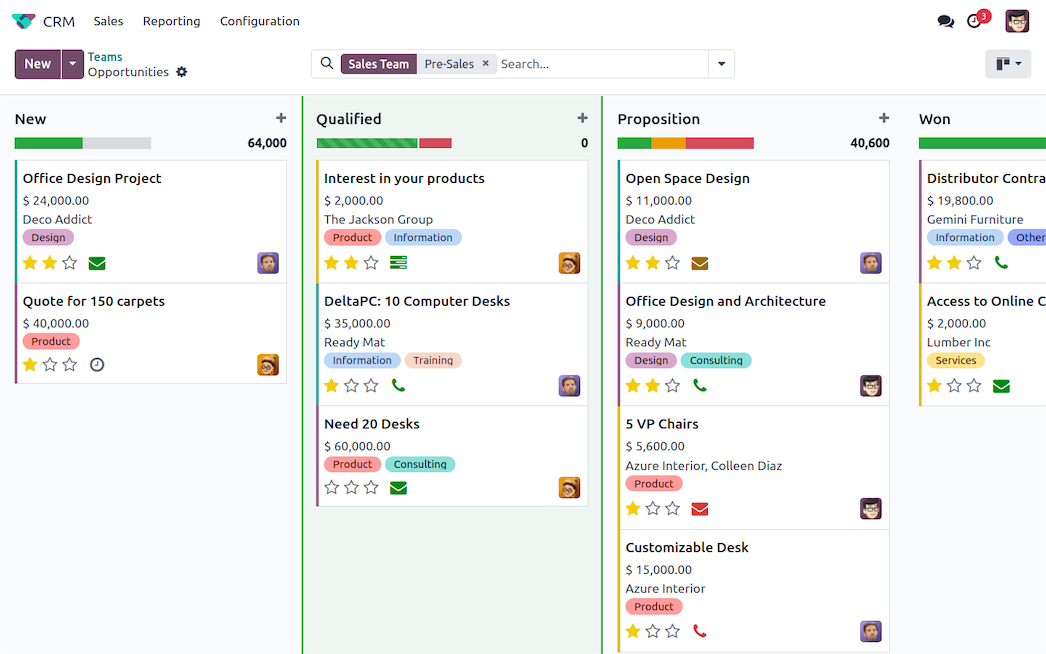
Lead & quotation

Record the customer requirement and next sales action. Keep the quotation discussion connected to the customer record so follow-up has context.

Starts with
Customer enquiry
Moves forward as
Qualified opportunity and quotation
Explore the supporting service
See it in your business

The tools behind everyday work.

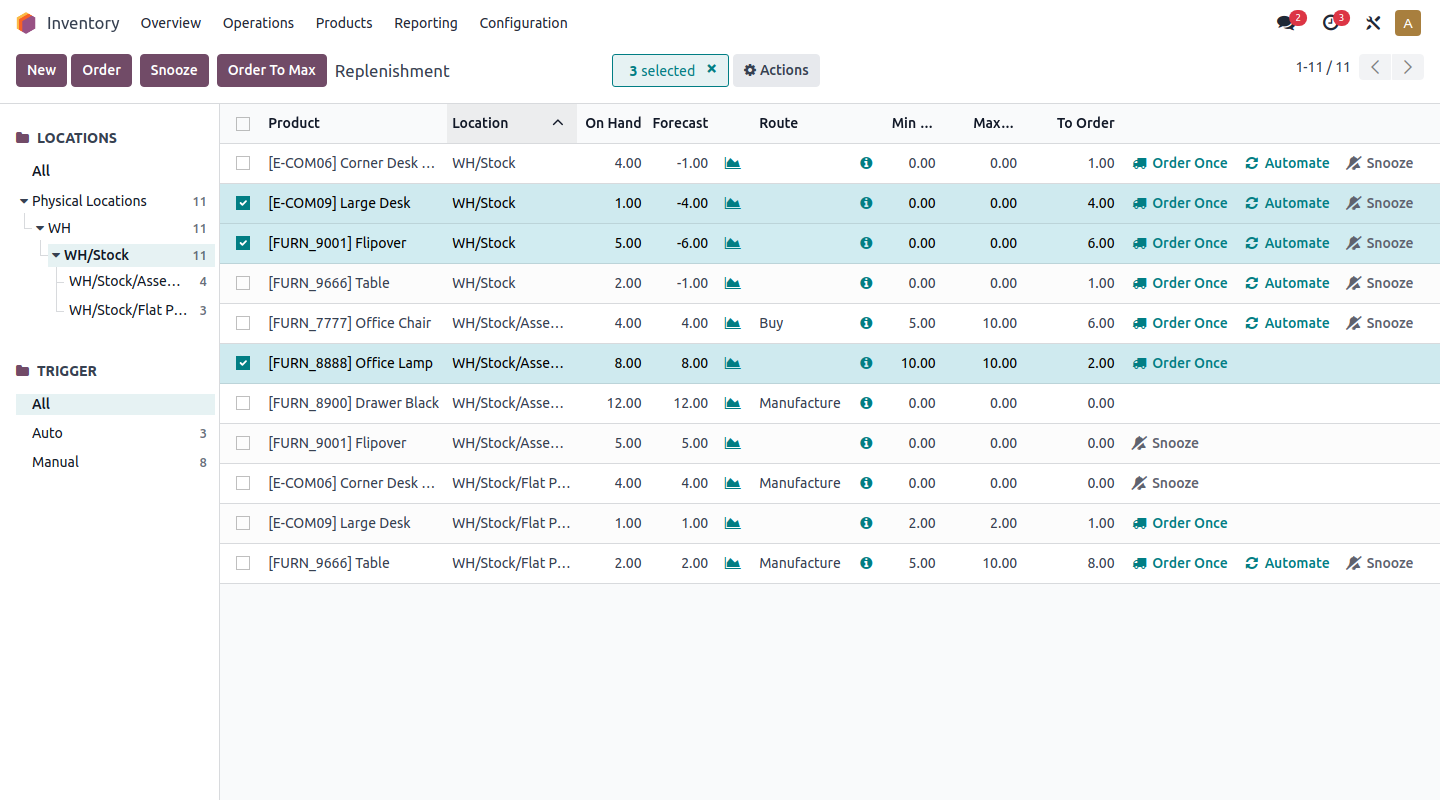
Odoo · Inventory and replenishment — Let sales work with stock visibility
Odoo · Inventory and replenishmentView full image ↗
In practice / 01

Let sales work with stock visibility

Connect warehouse records with the sales conversation. Locations, movements and replenishment rules help teams discuss availability using the same operational data.

  • Locations and stock movements
  • Defined receiving and delivery rules
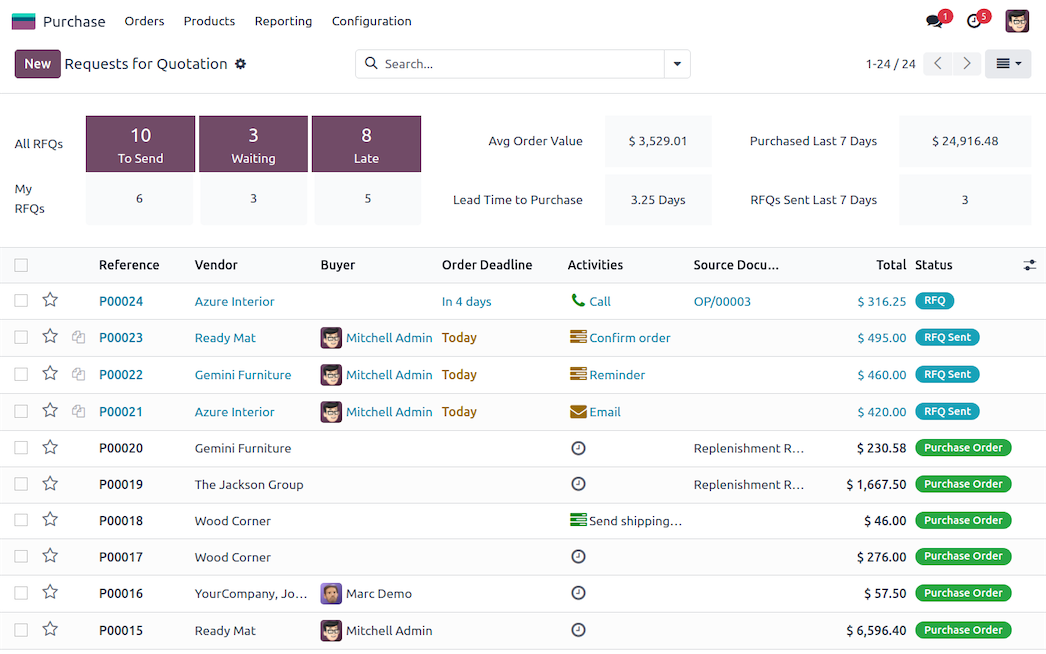
Odoo Purchase — Keep purchasing connected to demand
Odoo PurchaseView full image ↗
In practice / 02

Keep purchasing connected to demand

Organize supplier quotations and purchase orders around the products your business needs. We configure the approval and replenishment process so buyers can follow the next action.

  • Purchase approvals
  • Supplier and order follow-up
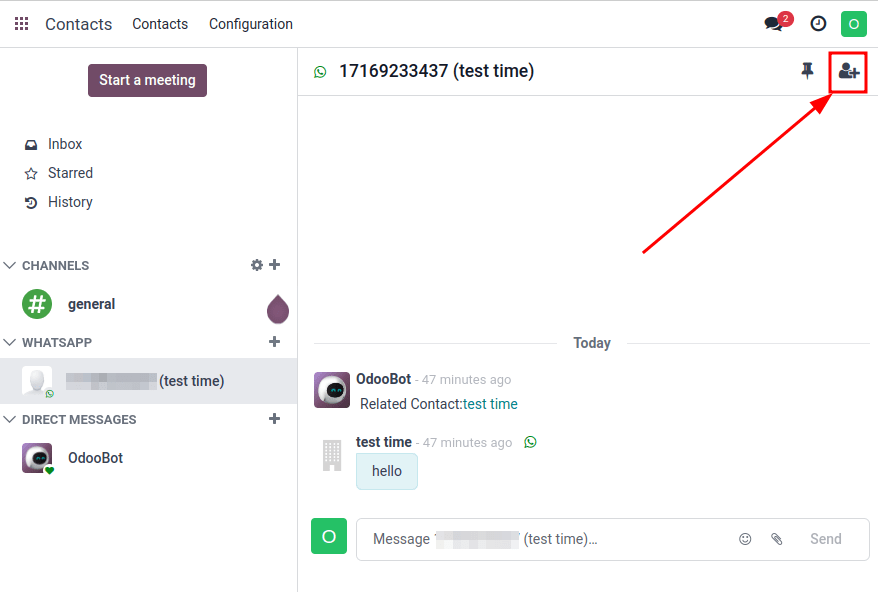
Odoo · WhatsApp conversations — Continue the customer conversation
Odoo · WhatsApp conversationsView full image ↗
In practice / 03

Continue the customer conversation

For a scoped WhatsApp integration, enquiries can be routed to the right sales or support team. We agree templates, routing and handover so conversations support the order journey.

  • Enquiry routing
  • Handover with customer context
Your Arselor engagement

From your operating model to a working solution.

01

Sales and warehouse workflow mapping

02

Product and supplier data preparation

03

Purchasing and invoicing configuration

04

Stock and order acceptance testing

We agree the applications, integrations, data and acceptance checks with your team before implementation.

Your connected stack

Services that support this operation.

Service illustration: Odoo ERP & integrations — Odoo

Odoo ERP & integrations

Connect finance, sales, inventory, procurement, manufacturing and people with an Odoo environment built around your operations.

Explore service
How it helps your business

Make every part of your business work together.

  • Connect the full operation
  • Make the system fit your team
  • Launch with confidence

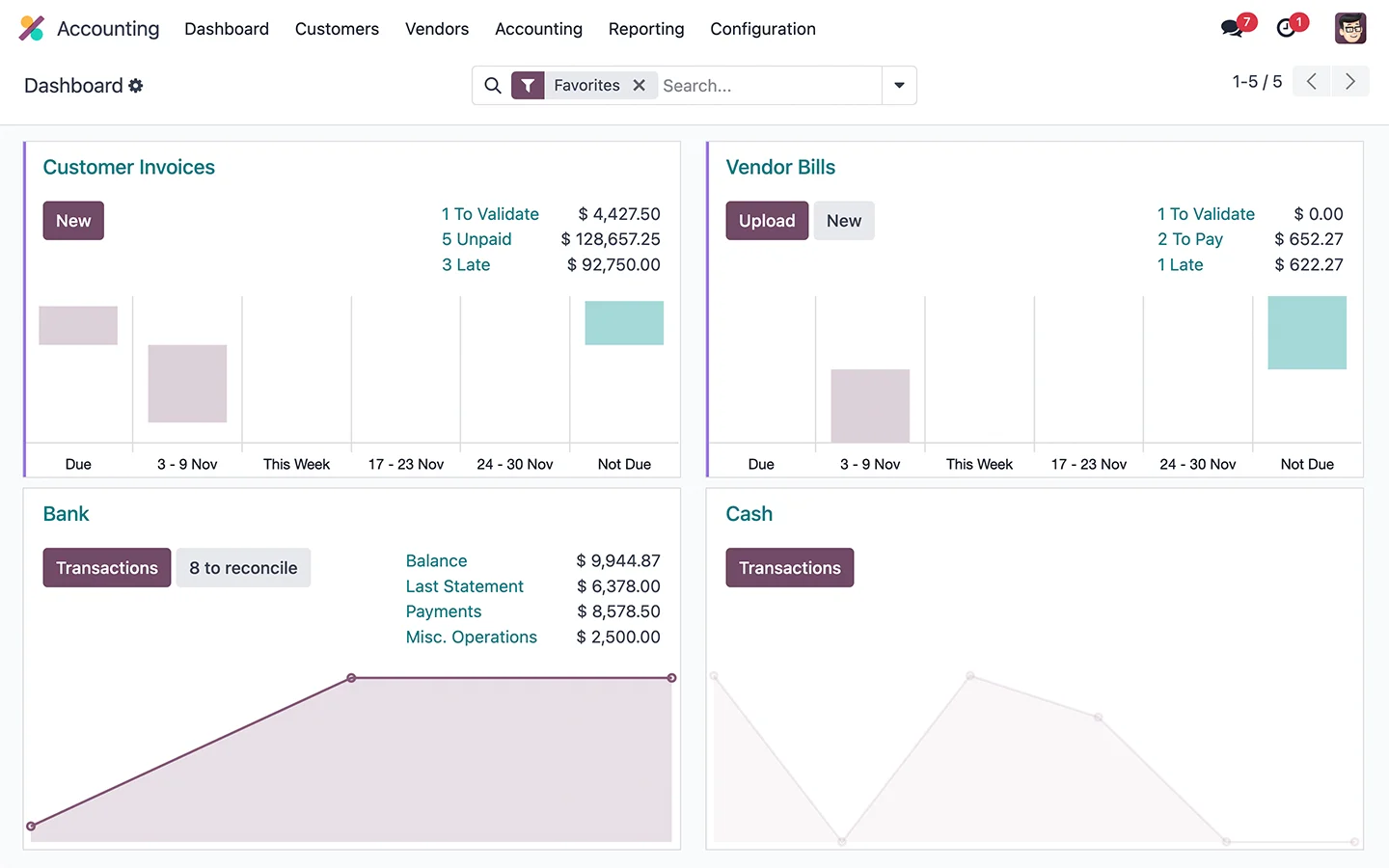
Connect a quotation to stock availability, delivery and customer invoicing without re-entering the same information.

Full service
Service illustration: WhatsApp chatbots & CRM — WhatsApp + Odoo

WhatsApp chatbots & CRM

Connect enquiries, automated answers and human handover with the right customer record and follow-up process in Odoo.

Explore service
How it helps your business

Turn a customer conversation into a clear next step.

  • Give customers a clear first response
  • Connect the conversation to Odoo
  • Launch a manageable channel

Ask the right first questions and route the opportunity to the responsible salesperson.

Full service
Service illustration: ZATCA e-invoicing integration — Odoo

ZATCA e-invoicing integration

Prepare your Odoo environment for Phase 2 integration with Fatoora, from company settings and onboarding through invoice testing and operational handover.

Explore service
How it helps your business

Connect compliant invoicing to your daily operations.

  • Prepare the invoicing foundation
  • Configure and validate the connection
  • Make exceptions actionable

Assess configuration and data readiness before choosing the implementation and testing plan.

Full service
Service illustration: Endpoint protection & management — Kaspersky

Endpoint protection & management

Deploy and manage endpoint security with Kaspersky or WithSecure, matched to device types, operating needs and available IT capacity.

Explore service
How it helps your business

Bring your business devices under consistent protection.

  • Protect business endpoints
  • Manage policies centrally
  • Define the response workflow

Pilot policies on representative devices before a wider rollout across the business.

Full service
Your next step

Bring us the challenge. Let’s plan the way forward.

A focused conversation with the right Arselor specialist.

Find your next step

Search Arselor

Popular places to start

Share with your network

Choose how to share this page or section.

WhatsAppLinkedInEmail