Start the meeting. Not another cable search.
Wireless presentation, hybrid meeting integration, room booking and centralized management for professional collaboration spaces.
Offices fitting out meeting rooms, executive boardrooms or hybrid collaboration spaces.
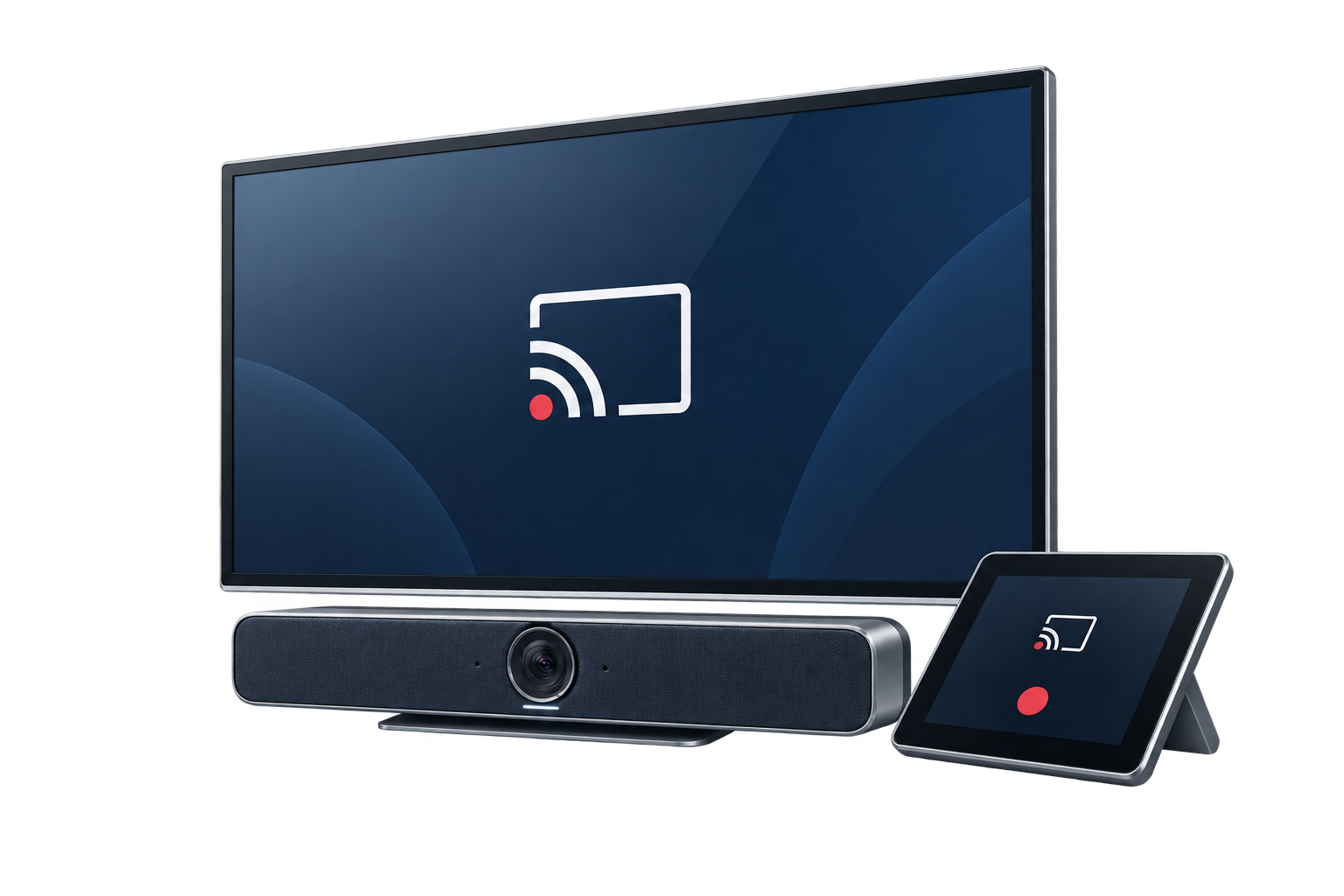
A closer look at the Zoapi meeting room
Watch Zoapi’s product introduction and explore the room devices, scheduling and administration experience.

Choose the Zoapi devices for your meeting room.
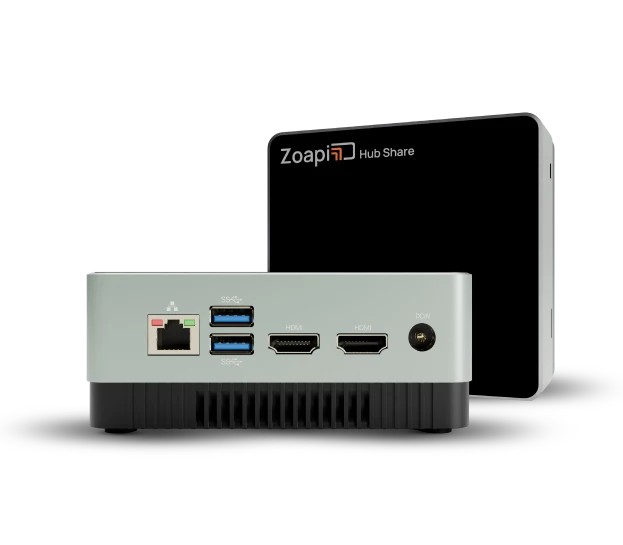
Zoapi Hub Share
A dedicated wireless presentation option for huddle rooms and everyday collaboration. Share content from supported devices without designing the room around one presenter’s cable.
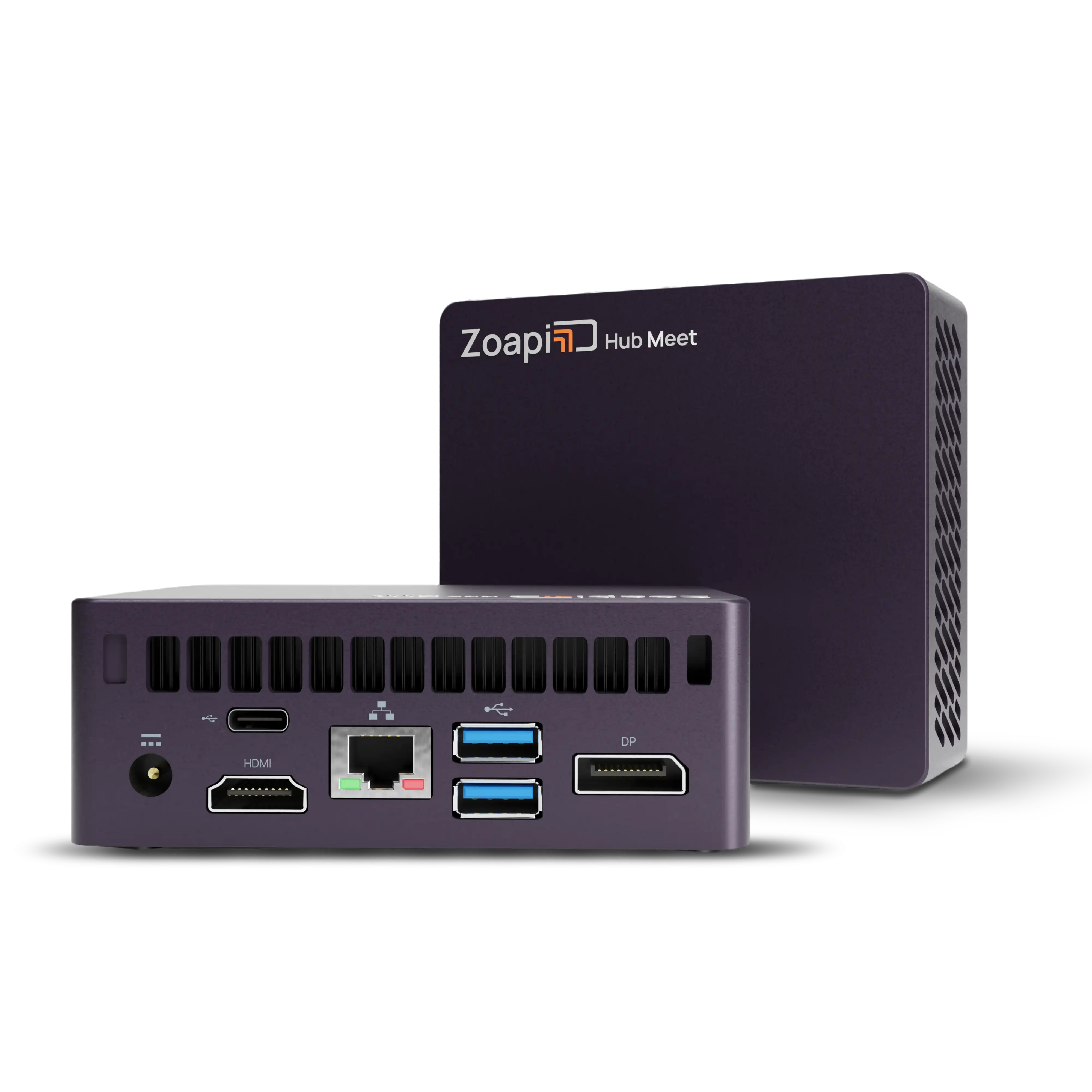
Zoapi Hub Meet
Bring presentation and video meetings into a coordinated room setup. Arselor helps match the hub, screen, camera and audio equipment to the room and the platforms your team uses.
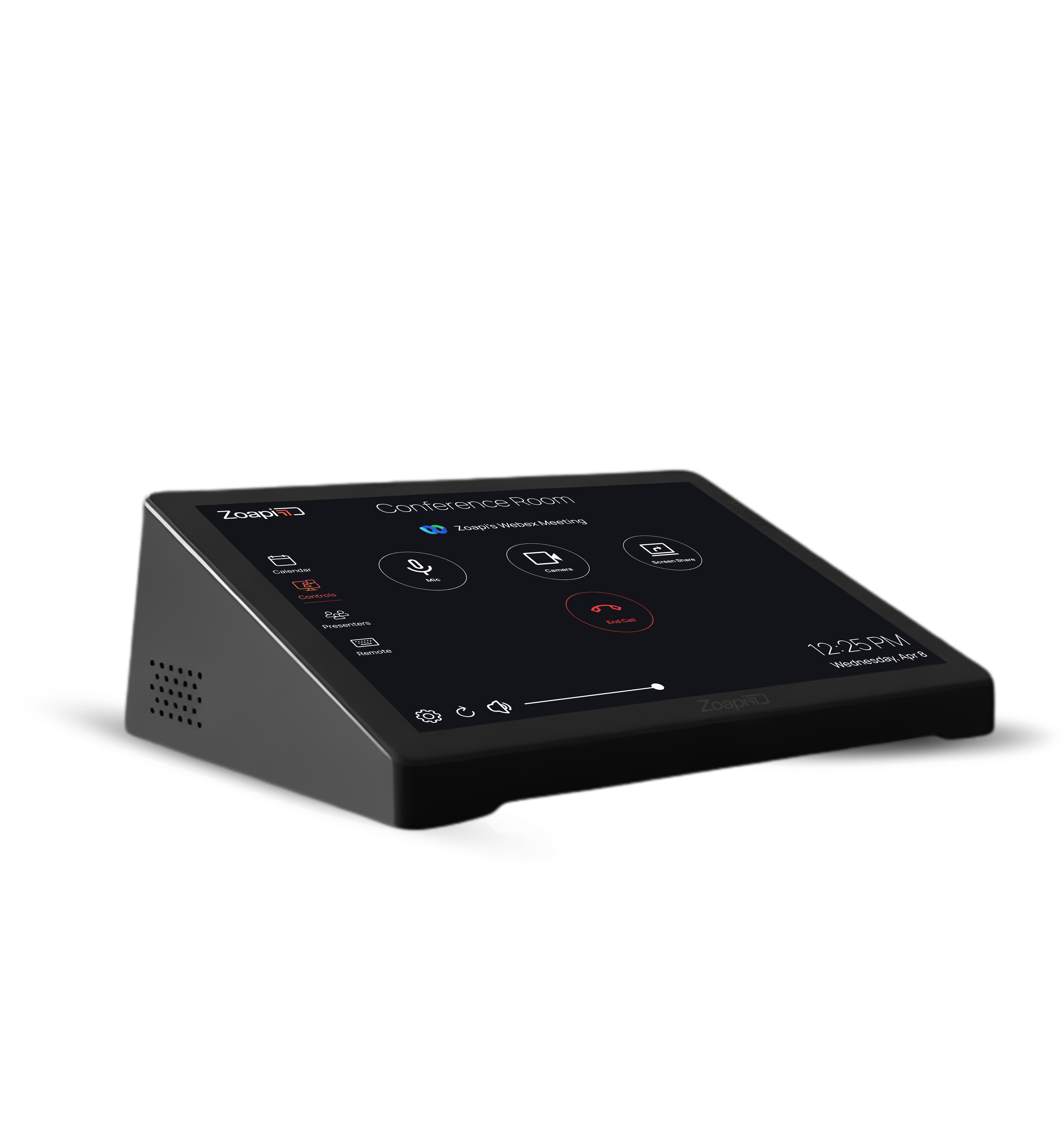
Zoapi Room Controller
Give participants a dedicated touch interface for operating the meeting. The controller places room controls within reach so users can focus on the conversation.
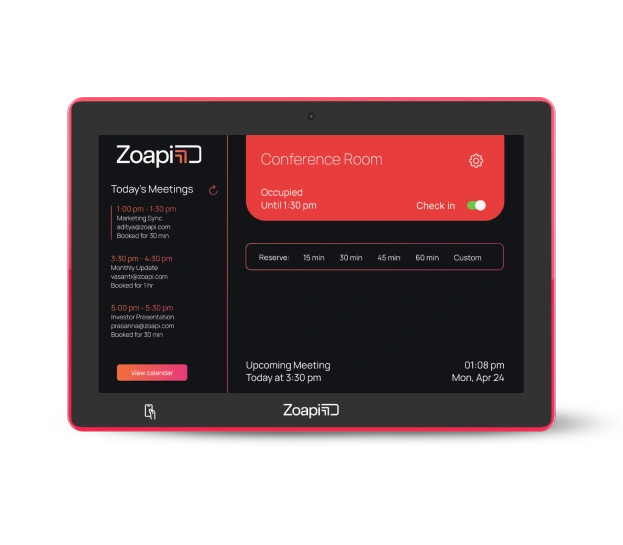
Zoapi Room Scheduler
Show room availability where people need it and connect bookings with the supported calendar environment. The schedule helps teams find and use meeting space more consistently.
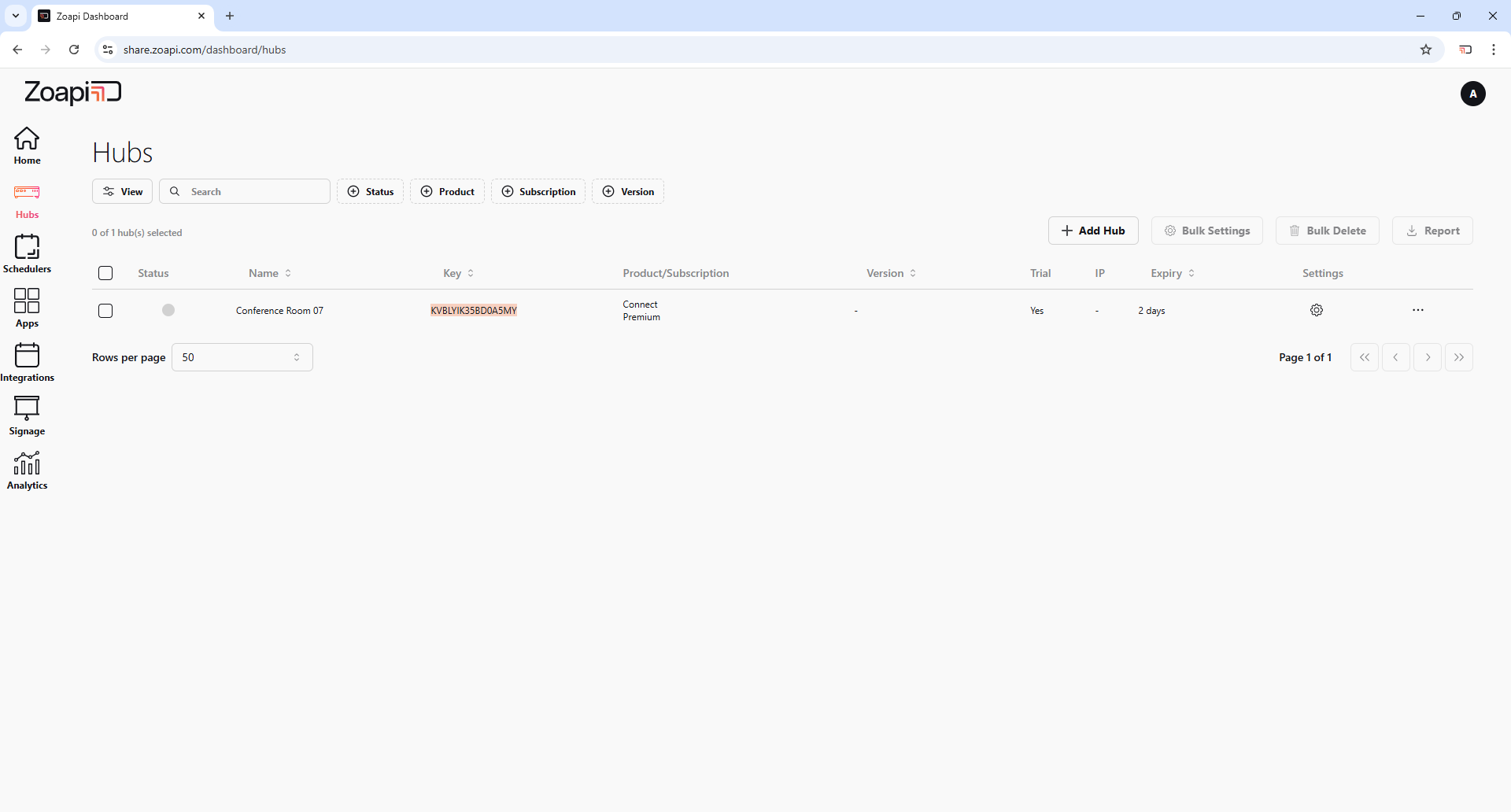
Zoapi room administration
Bring room configuration and device administration into one operating view. Arselor agrees the management access, rollout and support responsibilities with your IT team.
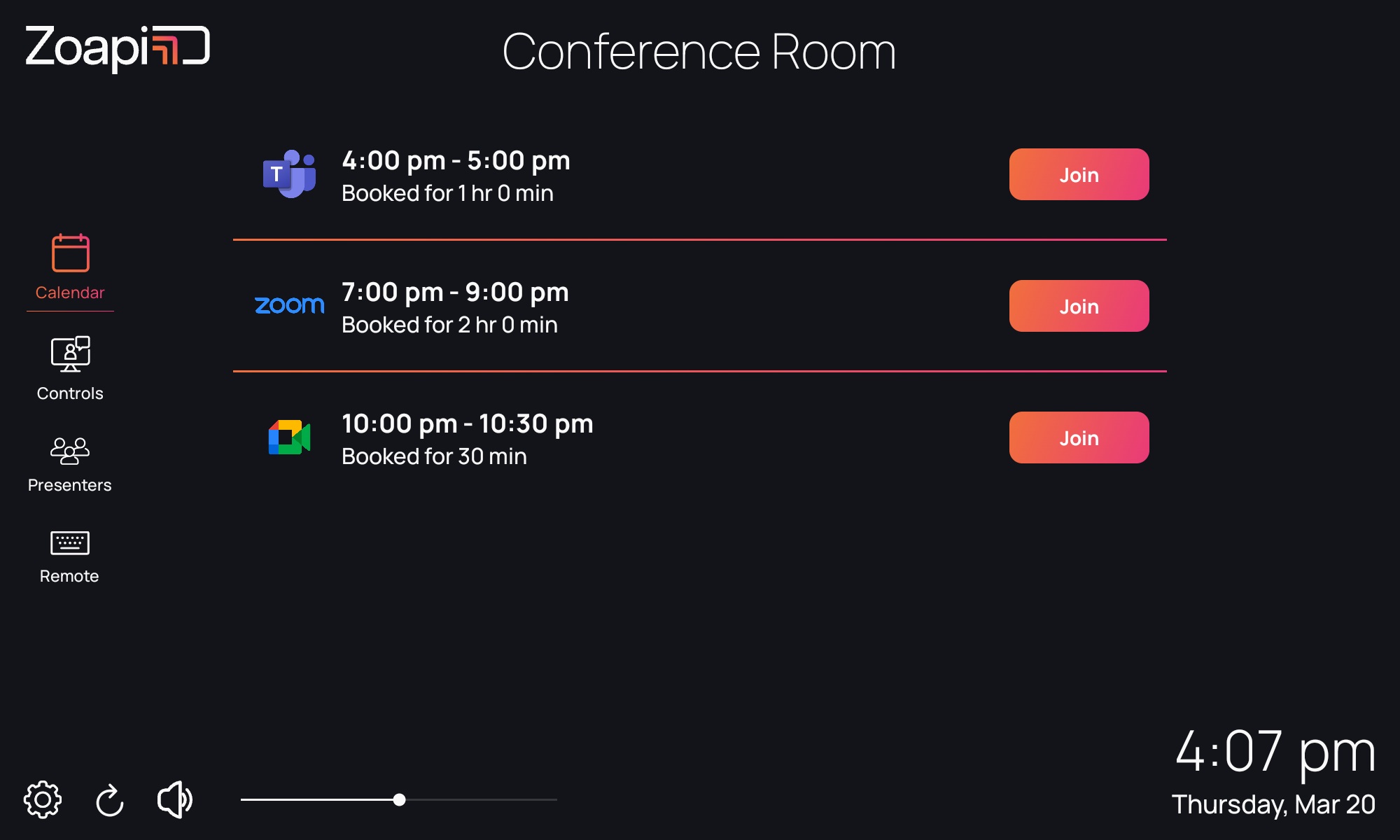
Walk in. Find the meeting. Join.
The Zoapi Room Controller brings the room calendar and meeting controls to the table. With a compatible Premium-enabled Hub and calendar connection, participants can join scheduled meetings with a tap. Arselor configures the room and trains your users.
- Calendar and one-touch join
- Microphone and camera controls
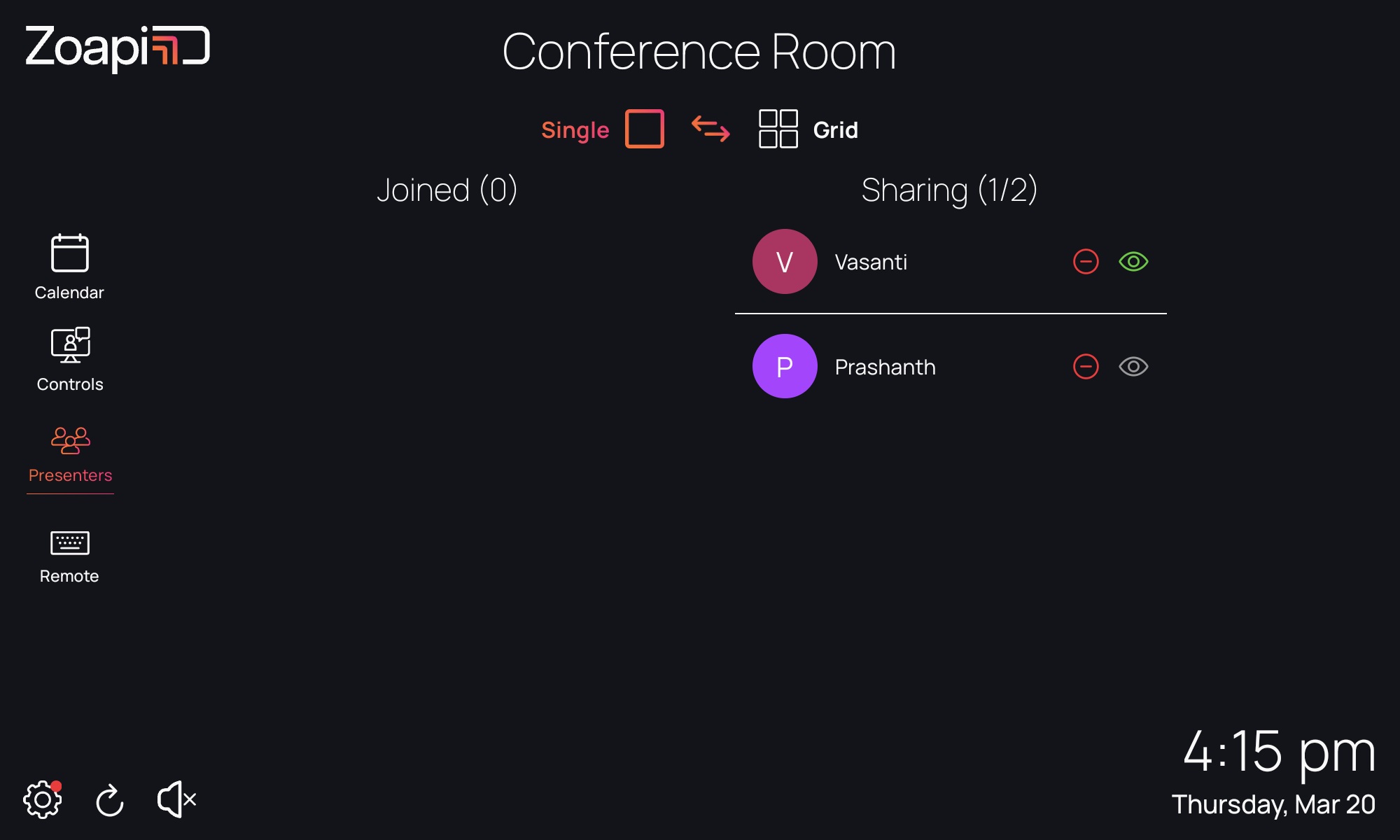
Move between presenters smoothly
Manage connected presenters from the controller, including supported Zoapi App, Miracast and AirPlay connections. Single View and Grid View help the room follow one presenter or compare multiple shared screens.
- Presenter switching from the table
- Single and multiple-screen layouts
Understand what it can do for you.
Wireless presentation & conferencing
Share content from supported devices and join video meetings through a room setup designed for the platforms your team uses. Hub Share and Hub Meet address different room needs.
Room scheduling & touch control
Make availability visible with room scheduling, and simplify in-room operation with a controller. We help select the appropriate hardware and calendar integration.
Useful screens. Manageable rooms.
Use digital signage between meetings and manage room devices through Zoapi’s administration tools. Arselor scopes installation, peripherals, testing and user handover for your space.
Choose a situation. Explore the possibilities.
A huddle room
Help small teams share content without repeatedly changing cables or adapting the room for each presenter.
Discuss this use case- 01Book the room
- 02Join the meeting
- 03Share content
- 04Manage centrally
Hybrid board meetings
Coordinate the display, camera, audio and meeting platform so remote participants can contribute.
Discuss this use case- 01Book the room
- 02Join the meeting
- 03Share content
- 04Manage centrally
Several bookable rooms
Bring booking visibility, room control and administration into a more consistent experience.
Discuss this use case- 01Book the room
- 02Join the meeting
- 03Share content
- 04Manage centrally
From the first requirement to the final handover.
Room assessment and solution design
Zoapi Hub supply and configuration
Display, network and AV integration
Conferencing and calendar integration
User familiarization and training
Central management and IT handover
Design the room around the meeting experience.
Survey the room
Review seating, display, camera, audio, network and the meeting platforms used by participants.
Integrate the room equipment
Configure the selected Hub, controller and scheduler with compatible room equipment and calendar services.
Rehearse the real meeting
Test joining, sharing, audio and camera controls, then familiarize users and hand administration to IT.
Before you decide
Can we use the display and camera we already have?
We check the room equipment, connections and required compatibility before confirming what can be reused.
Do we need every Zoapi device in each room?
No. Hub, control and scheduling options are selected according to the room and the experience you want to provide.
Build the rest of the picture.
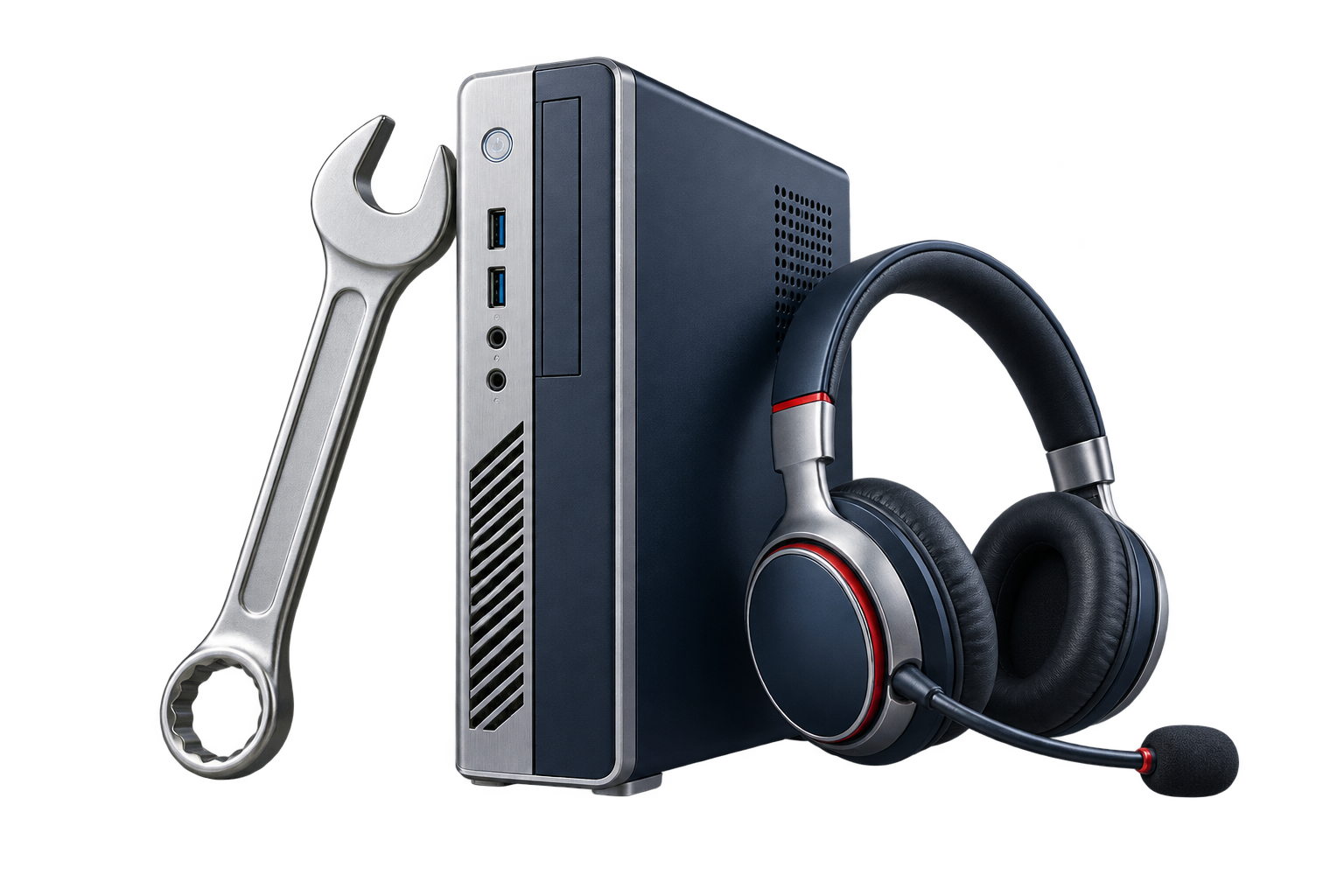
IT support & annual maintenance
Ad-hoc assistance and annual maintenance for users, devices, applications, networks, servers and cloud systems.
Less disruption. More productive working days.
- One route for everyday IT issues
- Prevent recurring disruption
- Choose support that fits
Create a dependable contact point for staff and a maintenance plan for the systems they rely on.


Tanaza cloud Wi-Fi management
Centralize access-point configuration, guest access, firmware and monitoring across offices and branches.
Every branch. One clear view of your Wi-Fi.
- Manage Wi-Fi across locations
- Separate guest and business access
- See what needs attention
Offer a considered guest connection while keeping business devices on the appropriate network.



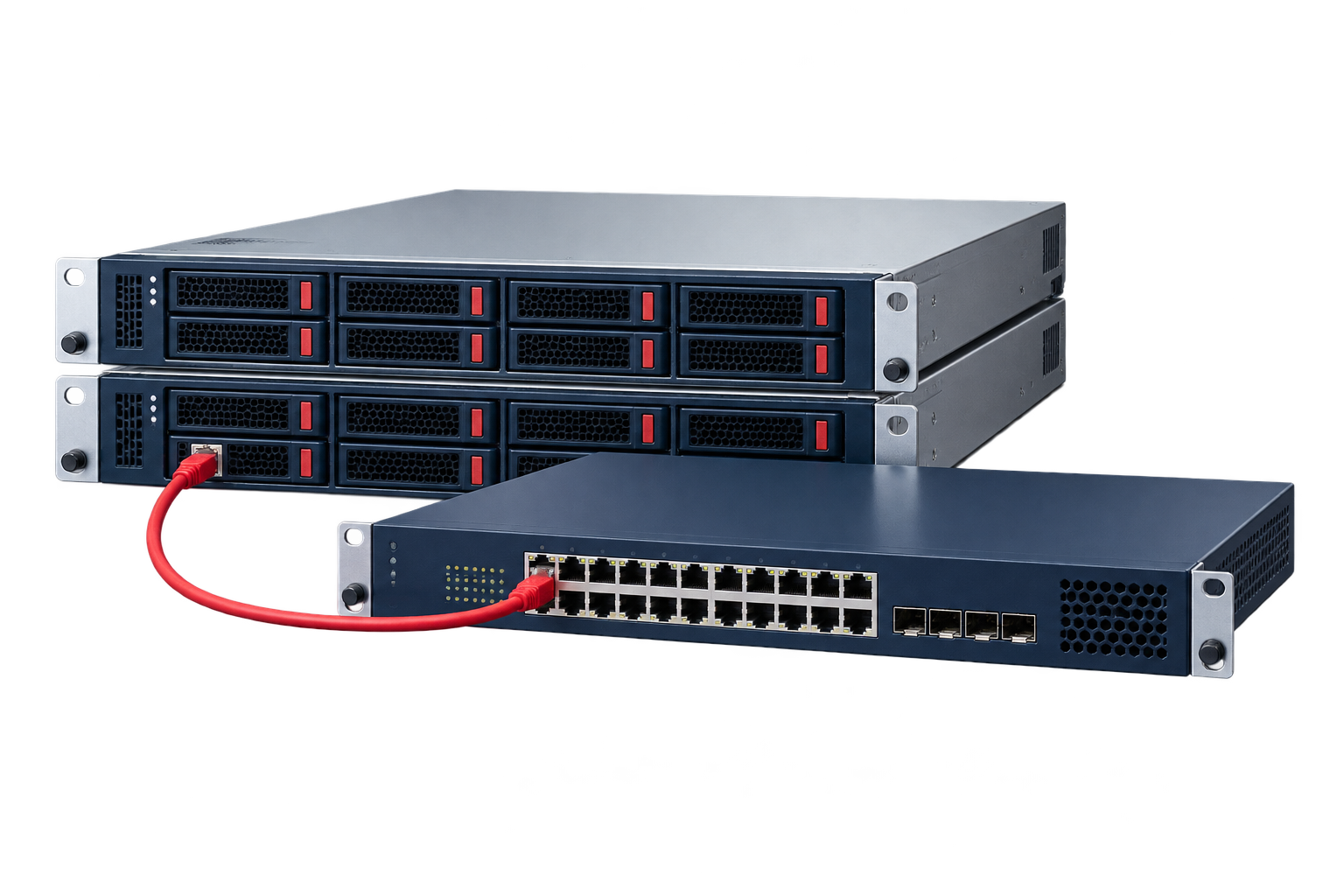
Infrastructure, servers & networks
Connect servers, storage, networks and firewalls with the right mix of Cisco, Dell Technologies, HPE, Lenovo, Sophos and Fortinet.
Build a dependable foundation for your next stage.
- Networks that connect the operation
- Servers & storage sized to fit
- Protection & implementation
Plan cabling, switching, Wi-Fi and core systems together before teams move in.
Bring us the challenge. Let’s plan the way forward.
A focused conversation with the right Arselor specialist.