Release Notes
Release Version: 17.0.0.0.0
Release Date: 2026-08-23

One-way synchronization from Insta HMS by Practo to Odoo 17 Community & Enterprise.
One-way synchronization from Insta HMS by Practo to Odoo 17 Community & Enterprise.
Automate supported accounting and operational data flow into Odoo with controlled synchronization, traceability, and API-based integration.
Odoo 17 Community + Enterprise Insta HMS → Odoo Odoo.sh + On-Premise
Production use requires an active Insta HMS by Practo environment, supported API access, valid credentials, and any required commercial arrangement with Insta by Practo. Insta HMS subscription, production API enablement, credentials, implementation services, and third-party commercial services are not included with this Odoo application.
Explore the main connector benefits and product workflows in one compact showcase.
Reduce repetitive re-entry of supported accounting and operational transactions.
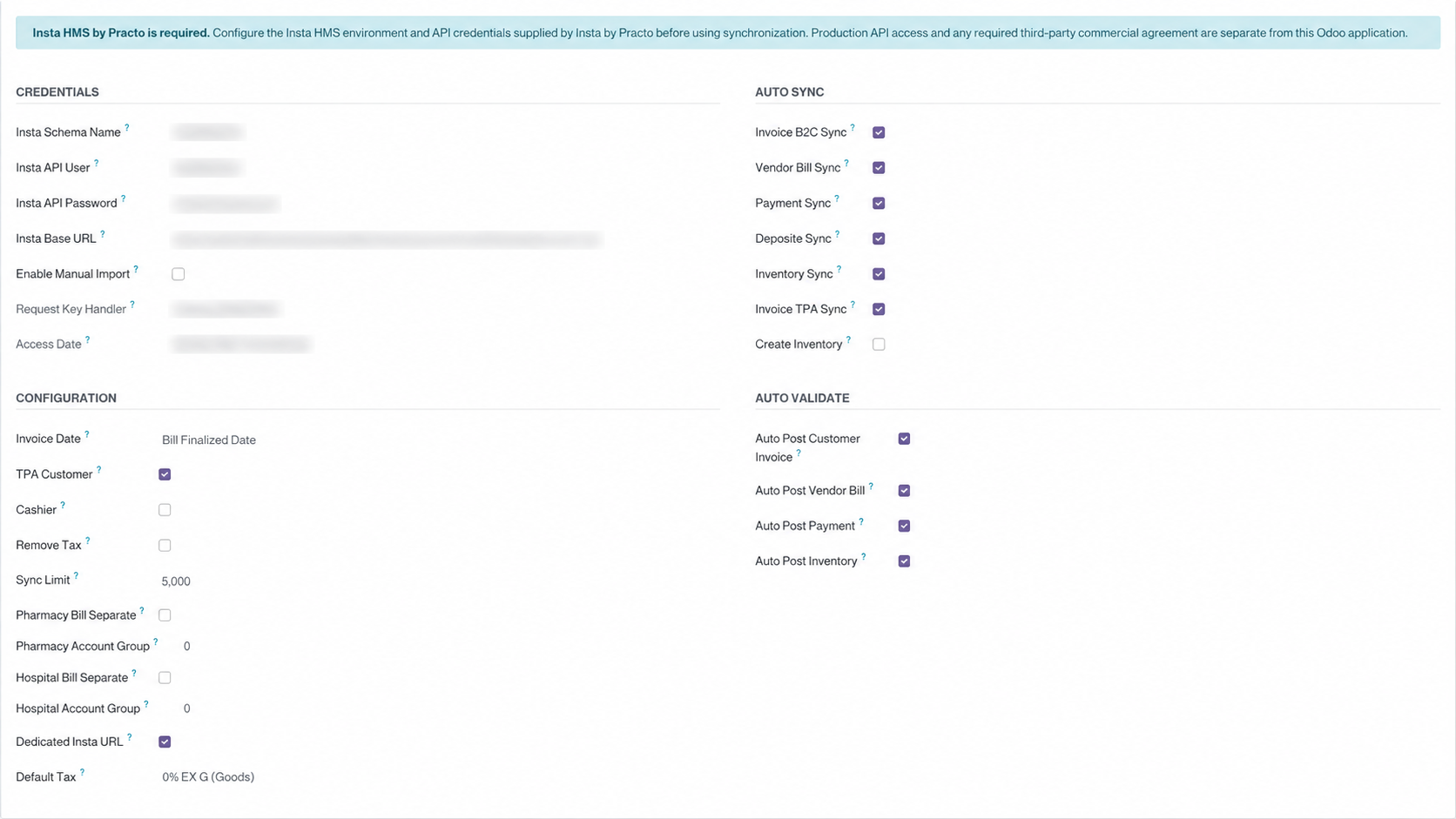
Choose manual pull, scheduled synchronization, limits, and posting behavior.
Keep Insta references and synchronization information visible inside Odoo.
Use synchronized records and Import Logs to investigate integration events.
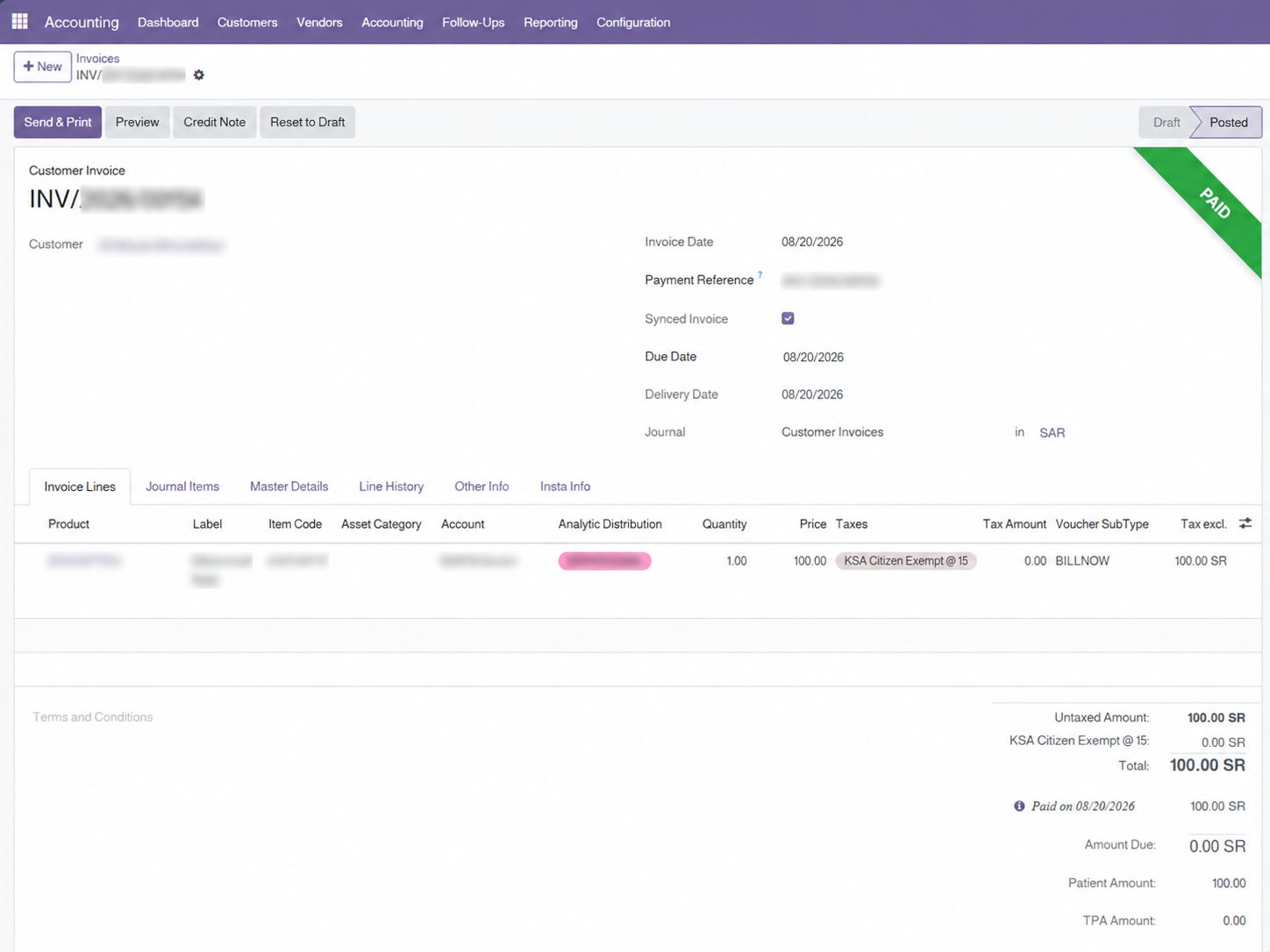
Bring supported Insta HMS billing transactions into Odoo while retaining the operational references needed by finance teams.

Create supported vendor bills in Odoo using accounting data received from Insta HMS.

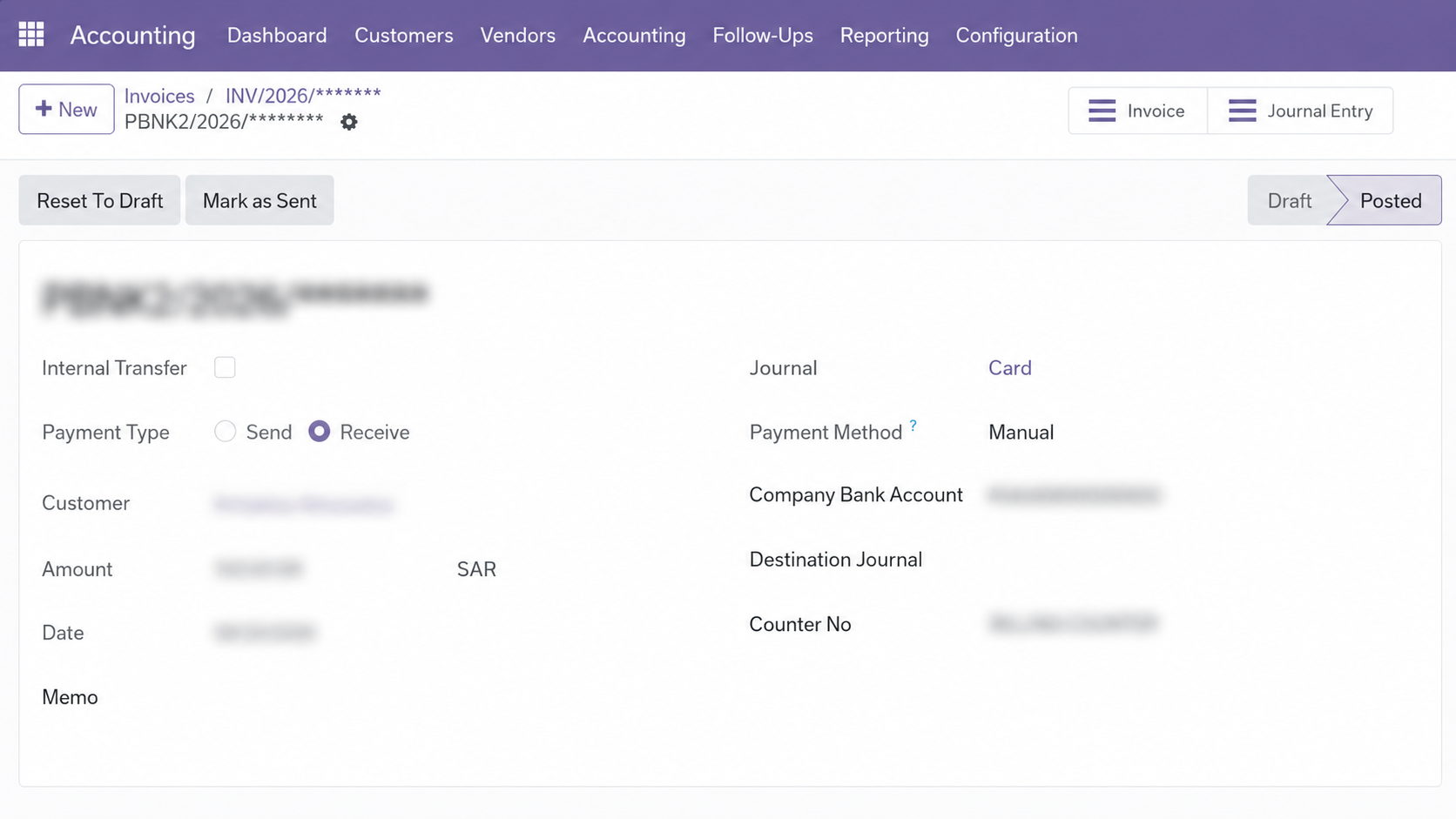
Bring supported payment and receipt records into Odoo while retaining references used by the integration workflow.
Configure connection details, synchronization options, posting behavior, limits, tax defaults, and applicable workflows.
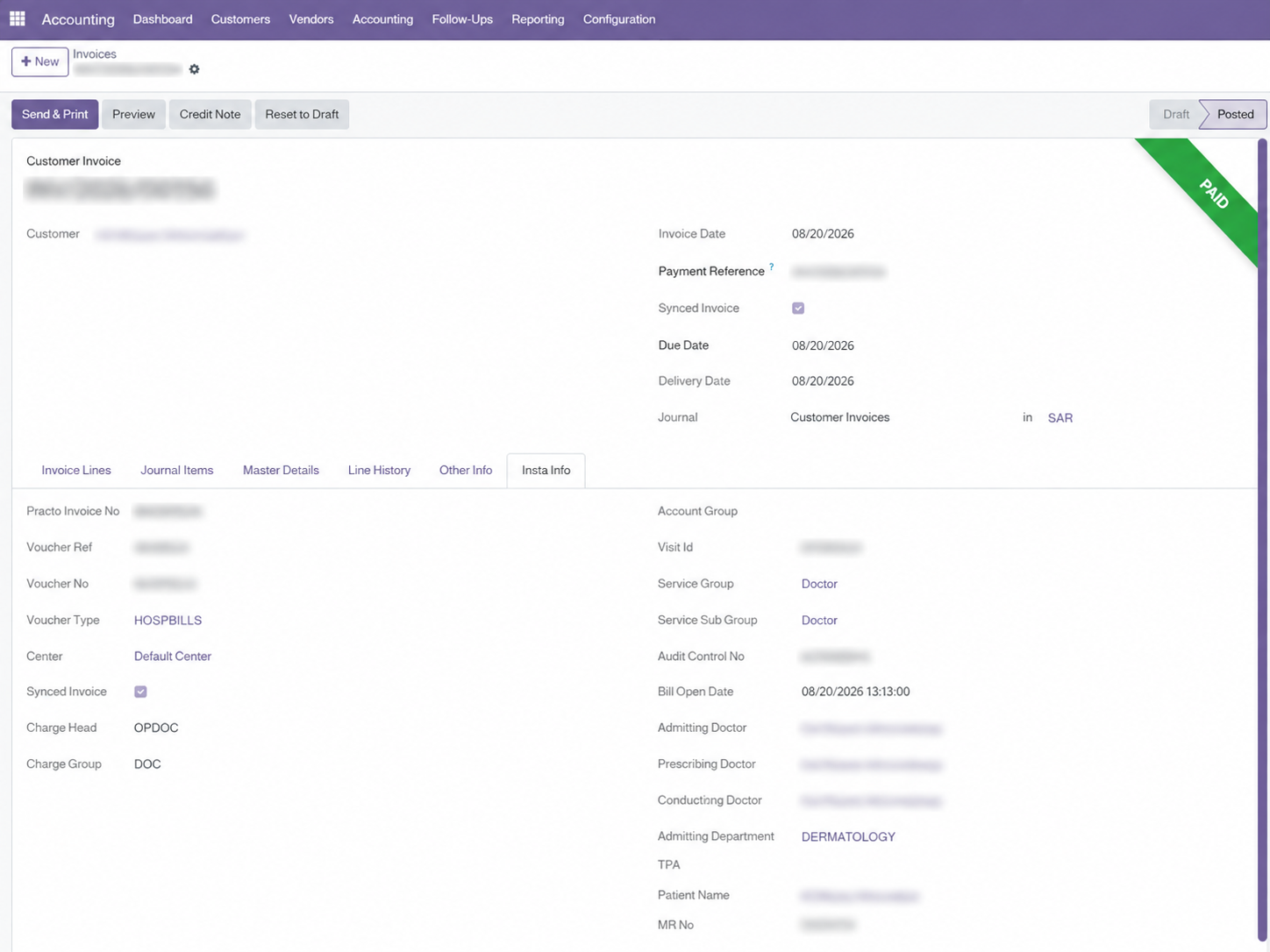
Retain supported source information so finance and operations teams can verify where synchronized records originated.
A clear one-way flow from your Insta HMS environment into Odoo.
Your configured Insta HMS by Practo environment.
Authenticated API requests with HTTPS/TLS verification.
Apply supported accounting, tax, reference, and synchronization mappings.
Create and maintain supported records in Odoo Community or Enterprise.
A structured setup path for controlled implementation.
Obtain Insta HMS API Access
Production API access and credentials are provided separately by Insta by Practo.
Configure Connection
Enter the endpoint, schema, and API credentials for your Insta HMS environment.
Select Sync Behavior
Configure transaction types, posting controls, sync limits, and applicable options.
Test & Synchronize
Test the connection, then run a controlled manual pull or scheduled synchronization.
Designed to keep synchronization controlled, visible, and resilient.
Continue using Insta HMS for healthcare operations while bringing supported accounting transactions into Odoo.
Reduce repetitive entry of supported invoices, vendor bills, and payment transactions.
Maintain Insta source references, departments, centers, and supported accounting mappings inside Odoo.
Quick answers to common questions before purchasing or deploying Insta HMS Connector.
Contact Arselor for product inquiries or support related to the advertised connector functionality.
✉ Technical Support WhatsApp: +9669200002494Support: [email protected] • WhatsApp: +9669200002494
The connector communicates between the customer's Odoo environment and the configured Insta HMS environment. Depending on the enabled Insta API services, synchronized information may contain accounting, patient-related, physician-related, invoice, payment, vendor, tax, and inventory data. Customers are responsible for operating both systems in accordance with applicable privacy, healthcare, and data-protection requirements.
Release information published for this app and Odoo version.
Release Version: 17.0.0.0.0
Release Date: 2026-08-23
USD price checked . Saudi riyal equivalents use an exchange rate of 3.75 SAR per dollar. Final price, taxes and terms are confirmed at Odoo Apps Store checkout.
arselor_insta_hims_connectorOdoo Proprietary License v1.0 This software and associated files (the "Software") may only be used (executed, modified, executed after modifications) if you have purchased a valid license from the authors, typically via Odoo Apps, or if you have received a written agreement from the authors of the Software (see the COPYRIGHT file). You may develop Odoo modules that use the Software as a library (typically by depending on it, importing it and using its resources), but without copying any source code or material from the Software. You may distribute those modules under the license of your choice, provided that this license is compatible with the terms of the Odoo Proprietary License (For example: LGPL, MIT, or proprietary licenses similar to this one). It is forbidden to publish, distribute, sublicense, or sell copies of the Software or modified copies of the Software. The above copyright notice and this permission notice must be included in all copies or substantial portions of the Software. THE SOFTWARE IS PROVIDED "AS IS", WITHOUT WARRANTY OF ANY KIND, EXPRESS OR IMPLIED, INCLUDING BUT NOT LIMITED TO THE WARRANTIES OF MERCHANTABILITY, FITNESS FOR A PARTICULAR PURPOSE AND NONINFRINGEMENT. IN NO EVENT SHALL THE AUTHORS OR COPYRIGHT HOLDERS BE LIABLE FOR ANY CLAIM, DAMAGES OR OTHER LIABILITY, WHETHER IN AN ACTION OF CONTRACT, TORT OR OTHERWISE, ARISING FROM, OUT OF OR IN CONNECTION WITH THE SOFTWARE OR THE USE OR OTHER DEALINGS IN THE SOFTWARE.
Tell us where work slows down. Let’s explore how the right app from Odoo Apps Store can help your team move forward.
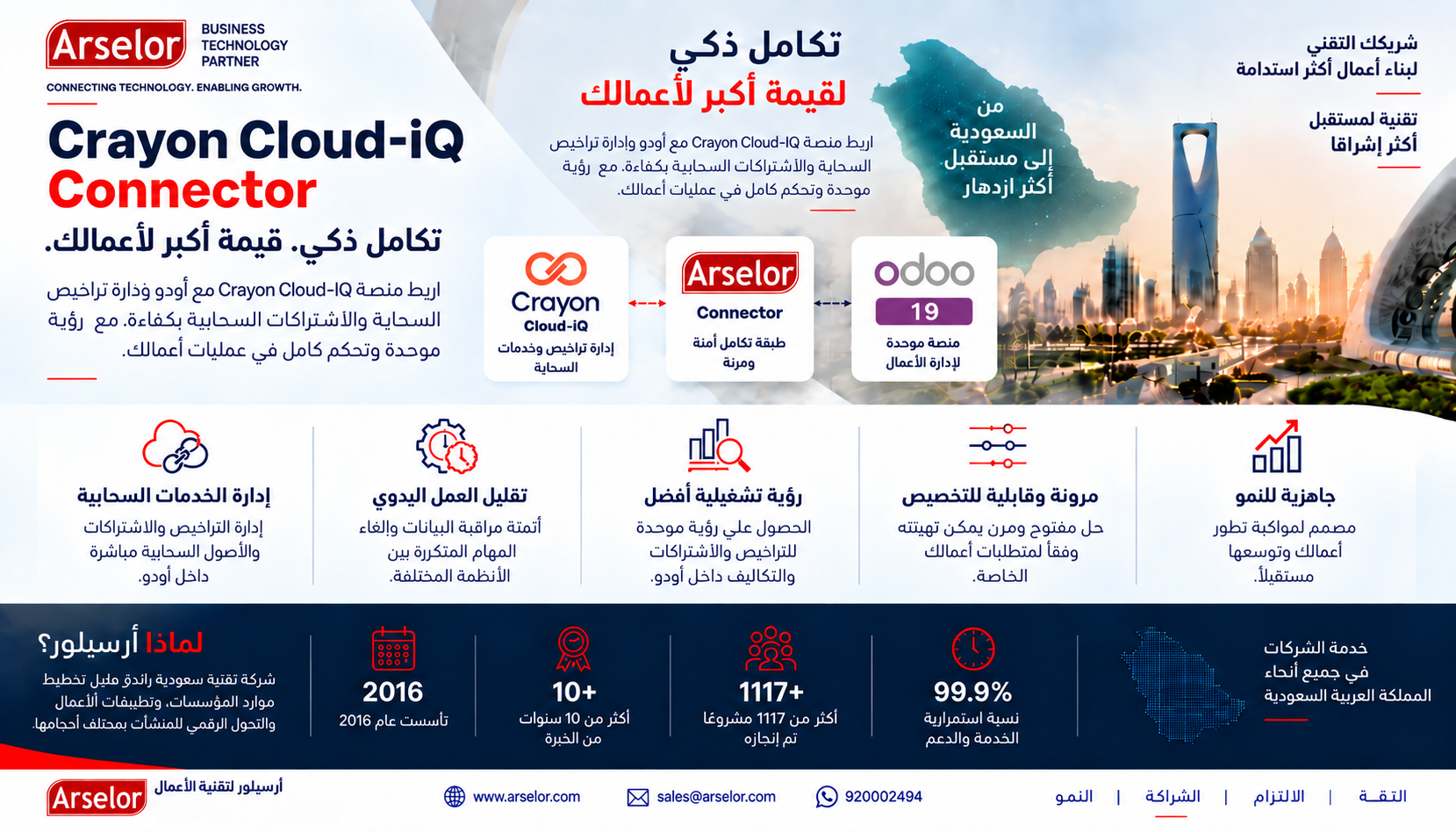
Provision, manage, bill and reconcile through a governed Odoo workflow connected directly to Crayon Cloud-iQ.
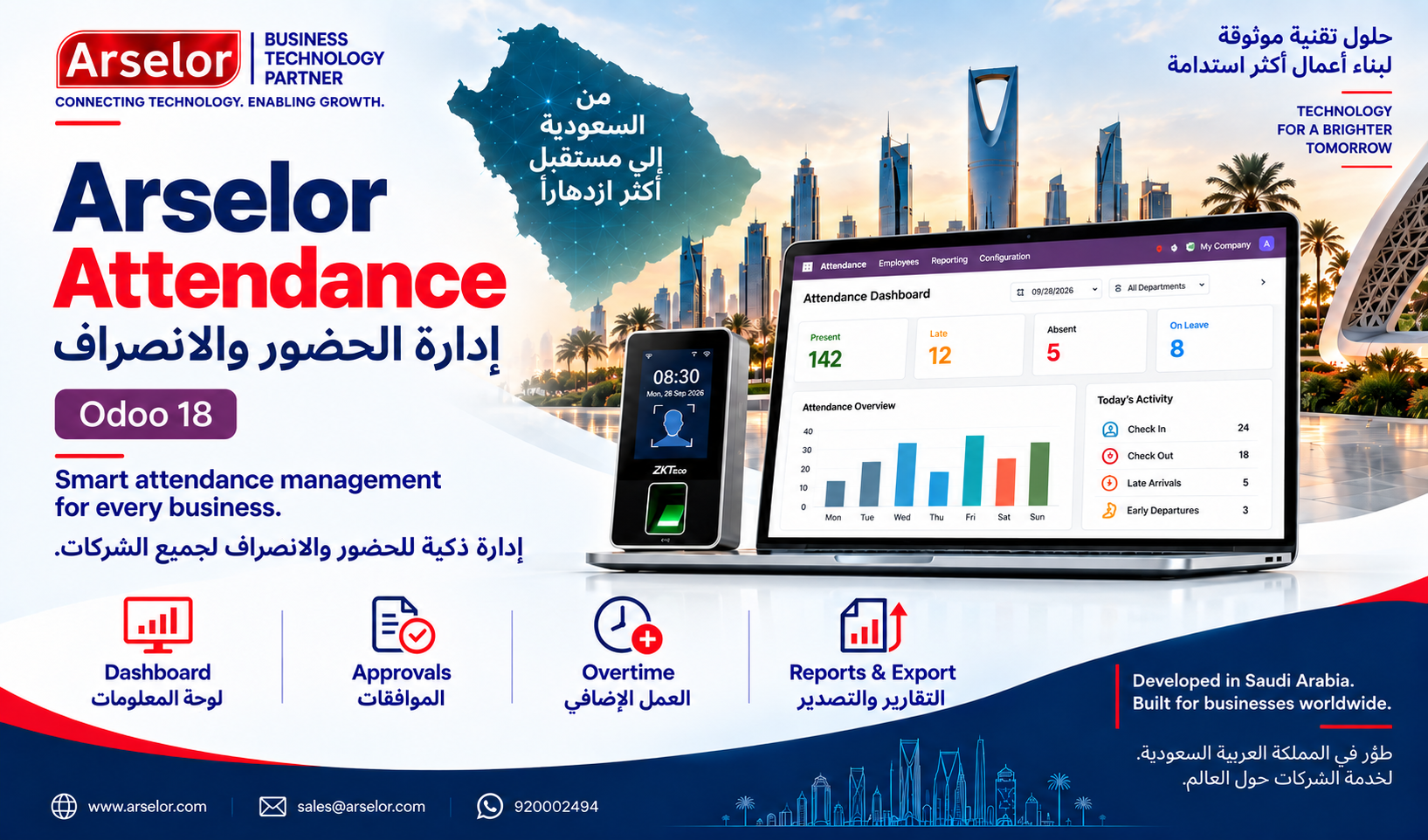
Smart attendance monitoring, exception review, biometric-device workflows, and payroll-ready reporting for Odoo 18.
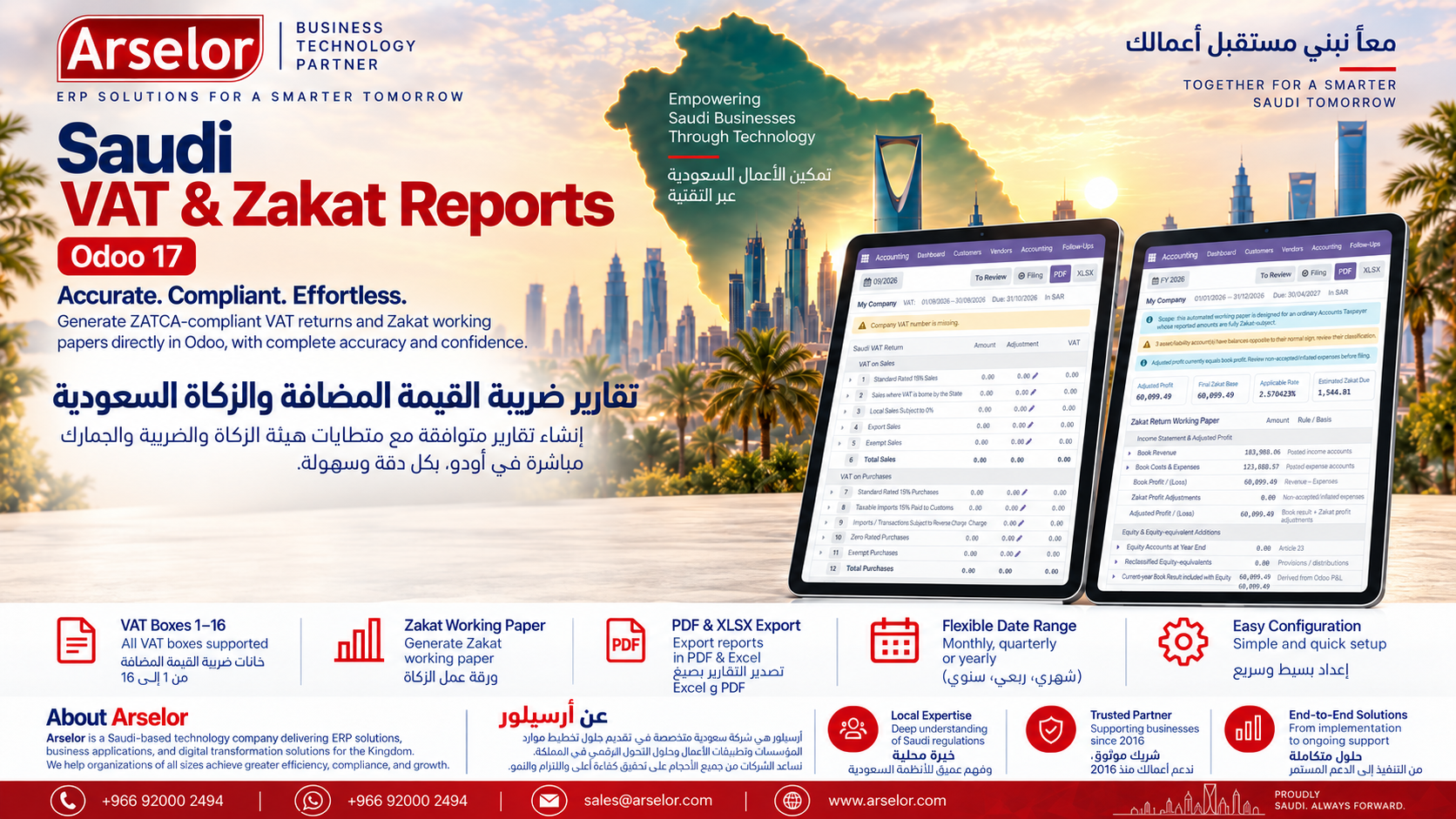
Prepare Saudi VAT working reports and an Accounts Taxpayer Zakat working paper directly from posted Odoo accounting data. Includes interactive drill-down, PDF/XLSX export, filing-period status and manual custom date ranges for analytical VAT review.