
Release Notes
Release Version: 18.0.0.0.0
Release Date: 2026-09-28

Smart attendance monitoring, exception review, biometric-device workflows, and payroll-ready reporting for Odoo 18.
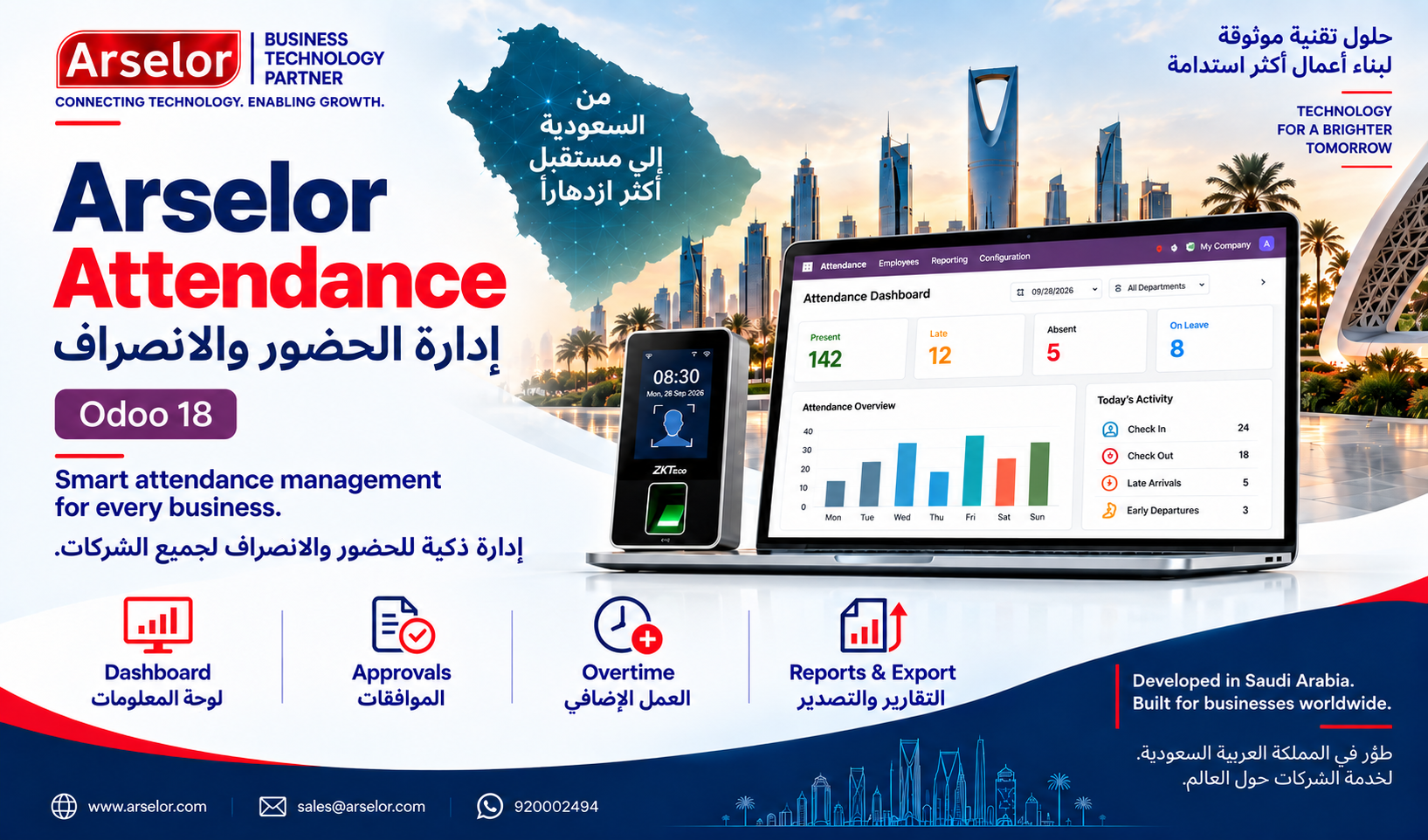
Smart attendance monitoring, exception review, biometric-device workflows, and payroll-ready reporting for Odoo 18.
Designed to enhance the native Odoo Attendance application - not replace it.
A compatible biometric/ZKTeco attendance connector must already be installed and available in your Odoo environment.
Required technical dependency: oh_hr_zk_attendance.
The biometric connector is a separate prerequisite and is not bundled with this application. It is responsible for connecting to the attendance device and collecting raw punch data. Attendance Payroll Report analyzes, reviews, and reports on that data inside Odoo.
See present, late, absent, on-leave, break-review, and open-attendance cases from one daily screen.
Review lateness, early departure, absence, overtime candidates, missing punches, and break-related cases before payroll export.
Generate a lightweight Excel file with employee, contract, schedule, attendance, approved exceptions, and payroll-readiness data.
Install and configure the required biometric attendance connector first. It provides the device connection and raw punch records used by this app.
Assign the correct Odoo Working Schedule to each employee. Expected hours, late arrival, early departure, and extra-time candidates are calculated from the employee's actual schedule.
Set grace periods, absence timing, break rules, overtime approval behavior, and policy scope for the company, department, schedule, or individual employees.
Download punches from the connected device. Raw punch data stays available for audit while valid IN/OUT pairs are converted into Odoo Attendance records.
Use the daily dashboard to identify late arrivals, absences, early departures, open attendances, break-review cases, and extra-time candidates.
Justify a case, correct the attendance record, or confirm the reviewed quantity for payroll handling. Raw attendance facts remain auditable.
Export Attendance Detail, Payroll Input, Exceptions, or the printable PDF report independently - no large mandatory multi-sheet workbook.
Payroll Input contains attendance quantities and employee/contract context. Salary calculations and monetary deductions remain the responsibility of your payroll engine and salary rules.

Monitor employees by date with clear status cards for Present, Late, Absent, On Leave, Break Issues, and Open Attendance.
Search by employee, filter by department, add a manual attendance when needed, refresh results, and launch exports from the same operational screen.
Continue using Odoo's standard Attendance screen for detailed Check In / Check Out creation, editing, deletion, and timeline review.
The module adds analysis and operational controls without replacing the native workflow.


A dedicated review queue for:
HR can resolve attendance cases before they are included in payroll reporting.
Odoo 18 introduces native attendance overtime approval using overtime_hours, overtime_status, and validated_overtime_hours. This version integrates with that native workflow instead of maintaining a second overtime quantity engine.
Worked-time alignment: completed attendance hours reuse Odoo 18's native worked-time calculation, including scheduled lunch handling for non-flexible schedules.
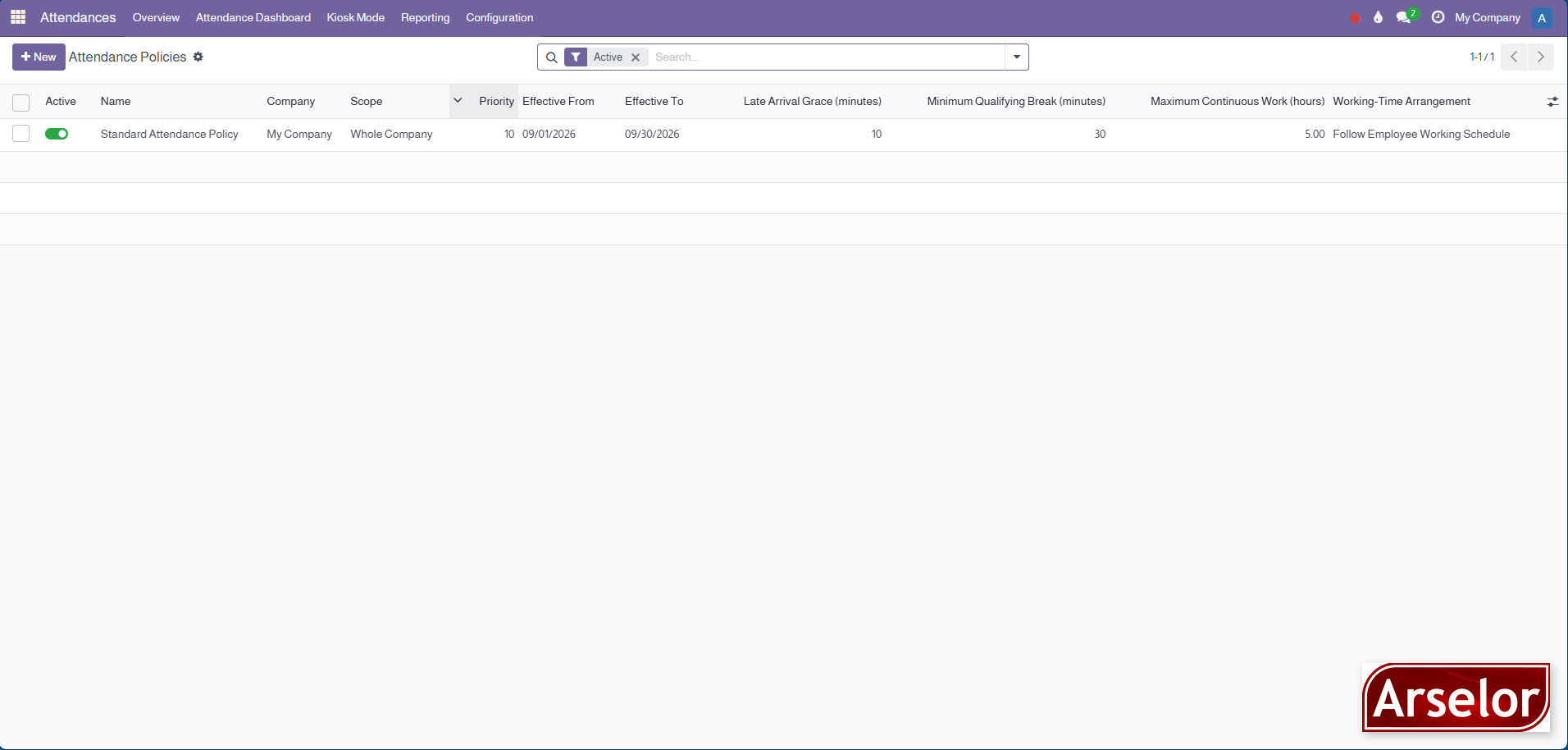
Policies are configurable instead of hard-coded. Set grace periods, break handling, absence detection, overtime approval, and working-time arrangements based on business requirements.
Expected hours follow the employee's Odoo Working Schedule. A valid 9-hour or longer working schedule is not automatically treated as overtime.
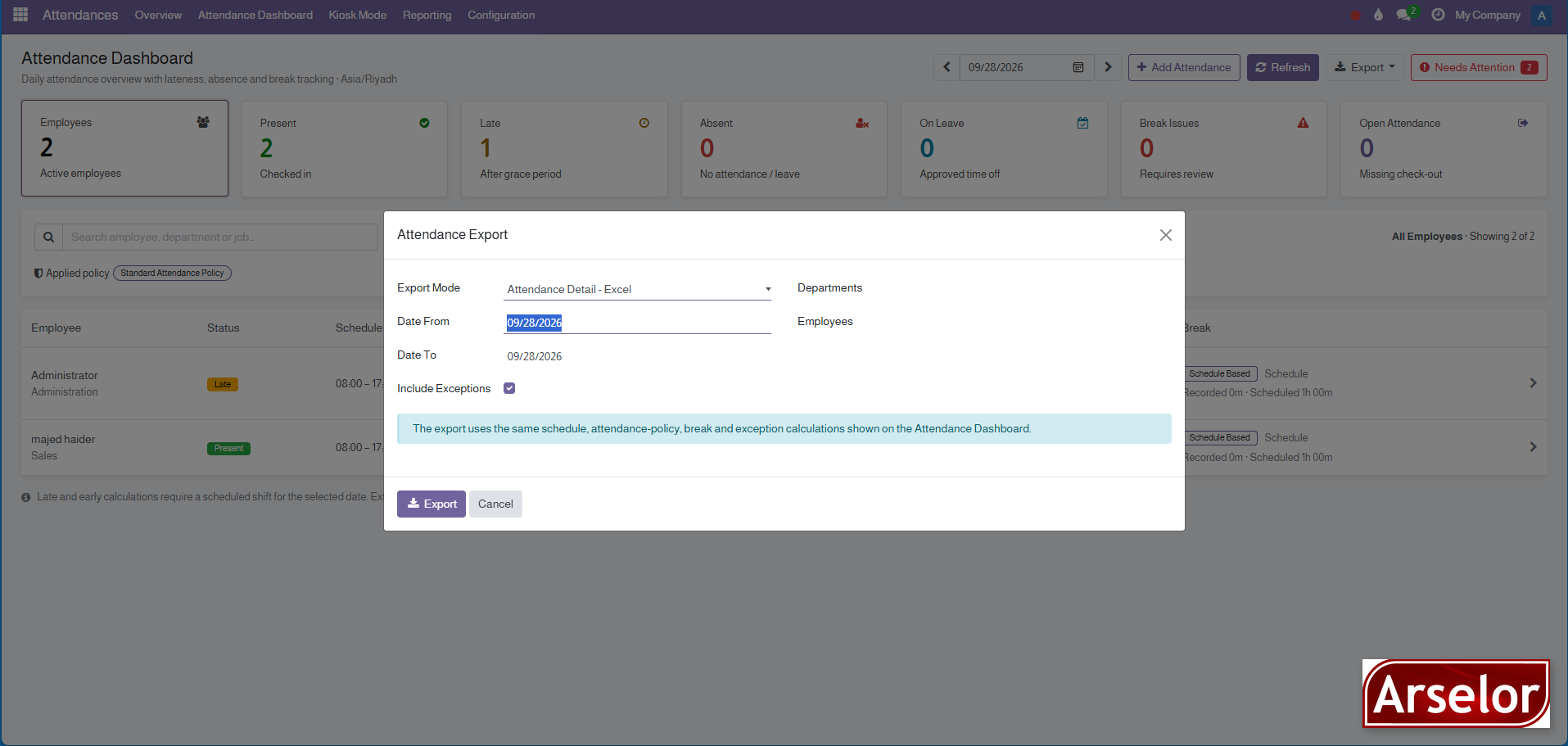
The application exports time quantities and review results only. It does not automatically calculate payroll money or disciplinary deductions.
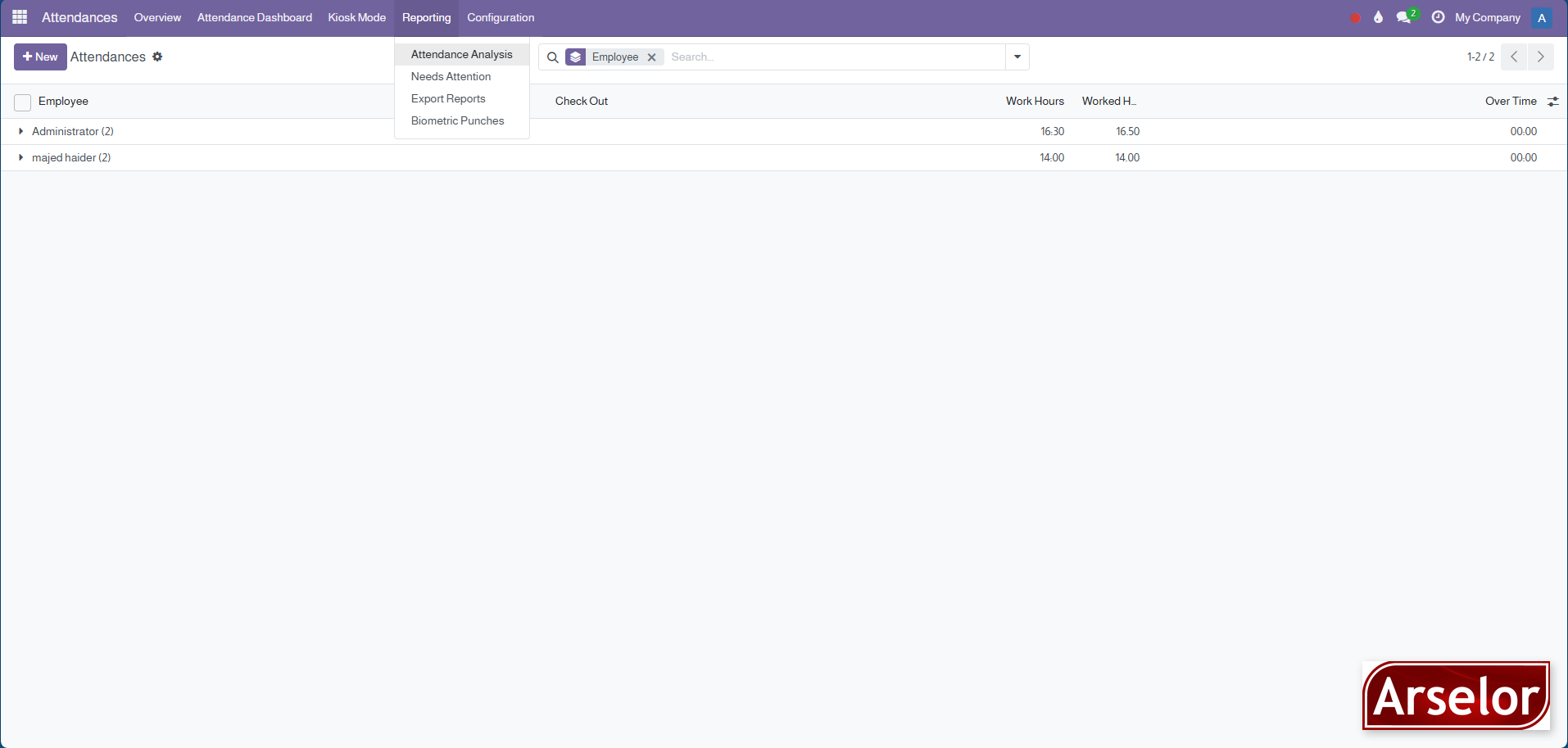
Attendance Analysis, Needs Attention, Export Reports, and Biometric Punches are grouped under Reporting to keep the top navigation close to standard Odoo.
After the required biometric connector is installed, administrators can configure supported devices, download attendance data, and maintain device settings from Configuration.
Missing check-outs are kept as review cases instead of inventing artificial worked hours.

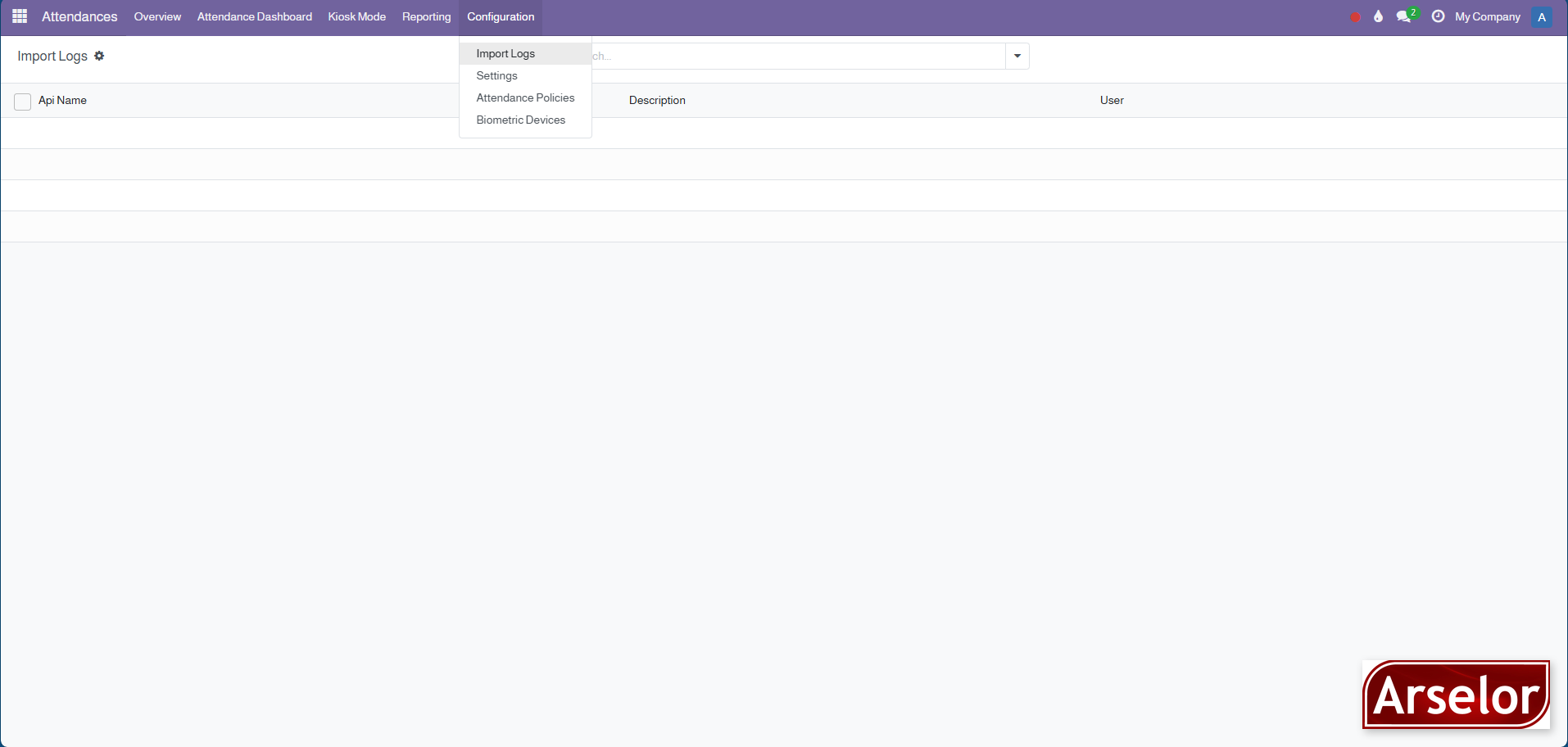
Technical functions are kept under Configuration: Attendance Policies, Biometric Devices, Import Logs, and Settings.
This keeps the daily user interface simple while giving administrators full control when required.
Release information published for this app and Odoo version.
Release Version: 18.0.0.0.0
Release Date: 2026-09-28
USD price checked . Saudi riyal equivalents use an exchange rate of 3.75 SAR per dollar. Final price, taxes and terms are confirmed at Odoo Apps Store checkout.
arselor_attendanceTell us where work slows down. Let’s explore how the right app from Odoo Apps Store can help your team move forward.
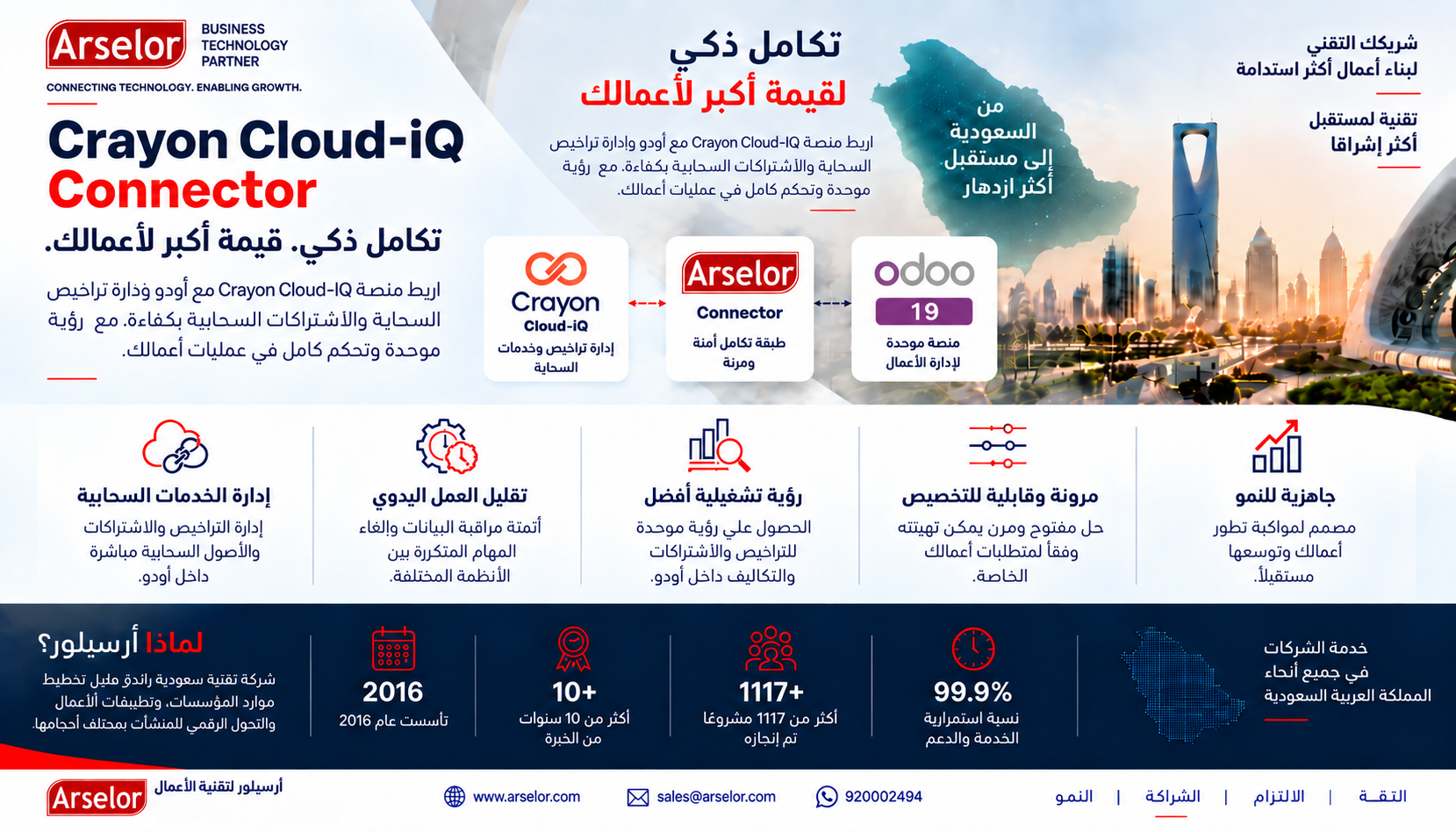
Provision, manage, bill and reconcile through a governed Odoo workflow connected directly to Crayon Cloud-iQ.
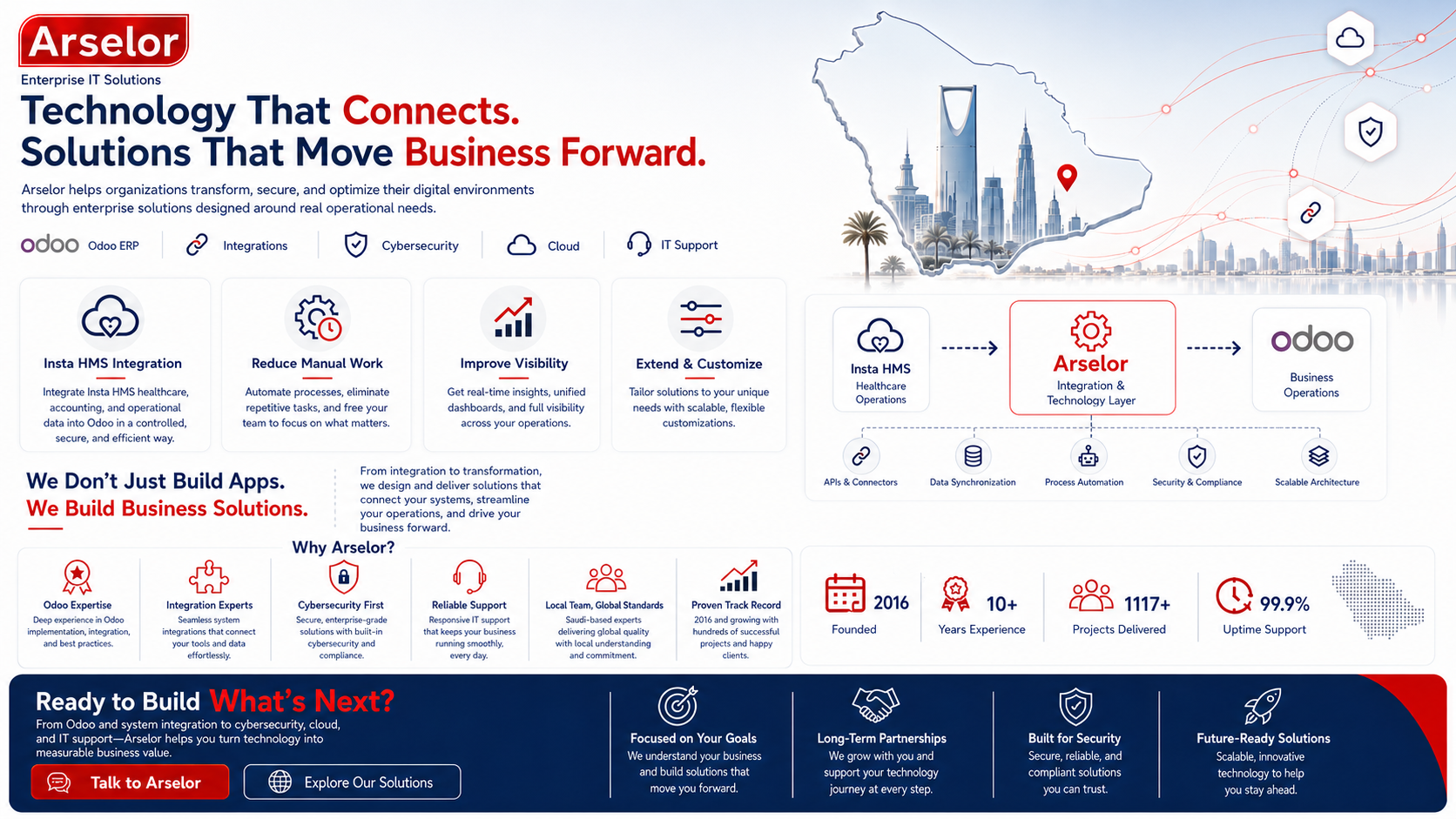
One-way synchronization from Insta HMS by Practo to Odoo 17 Community & Enterprise.
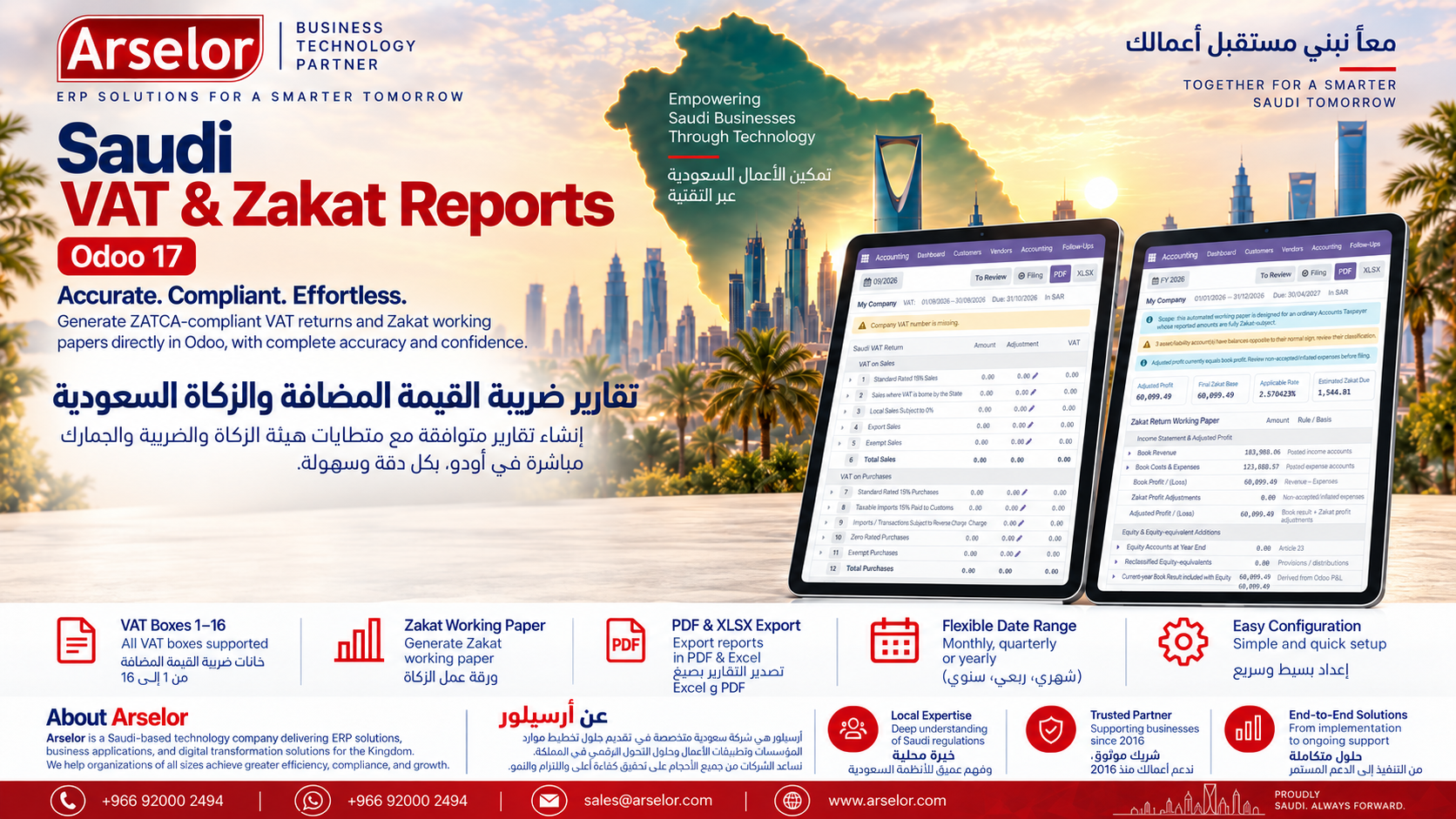
Prepare Saudi VAT working reports and an Accounts Taxpayer Zakat working paper directly from posted Odoo accounting data. Includes interactive drill-down, PDF/XLSX export, filing-period status and manual custom date ranges for analytical VAT review.